When a phone has no power, restarts, overheats, loses network, or behaves unpredictably, it is tempting to blame the main board immediately. Customers searching for phone motherboard repair Putrajaya are usually deciding whether a board-level inspection is appropriate or whether another component could explain the same symptom.
This decision-stage guide explains which details to prepare, why symptoms alone do not confirm motherboard damage, and what to ask before choosing a repair path at MRFIX Putrajaya.
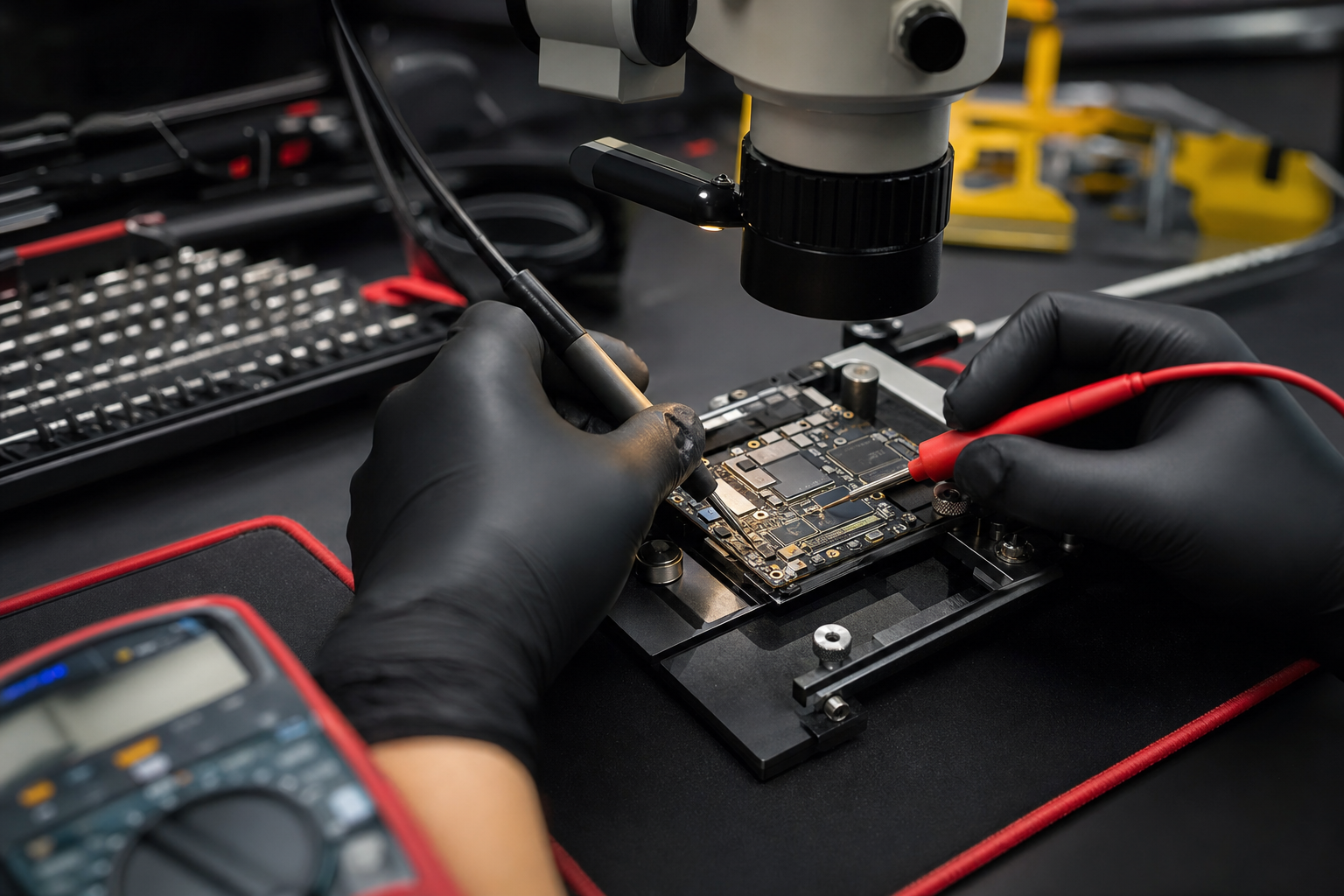
What the motherboard does—and why symptoms overlap
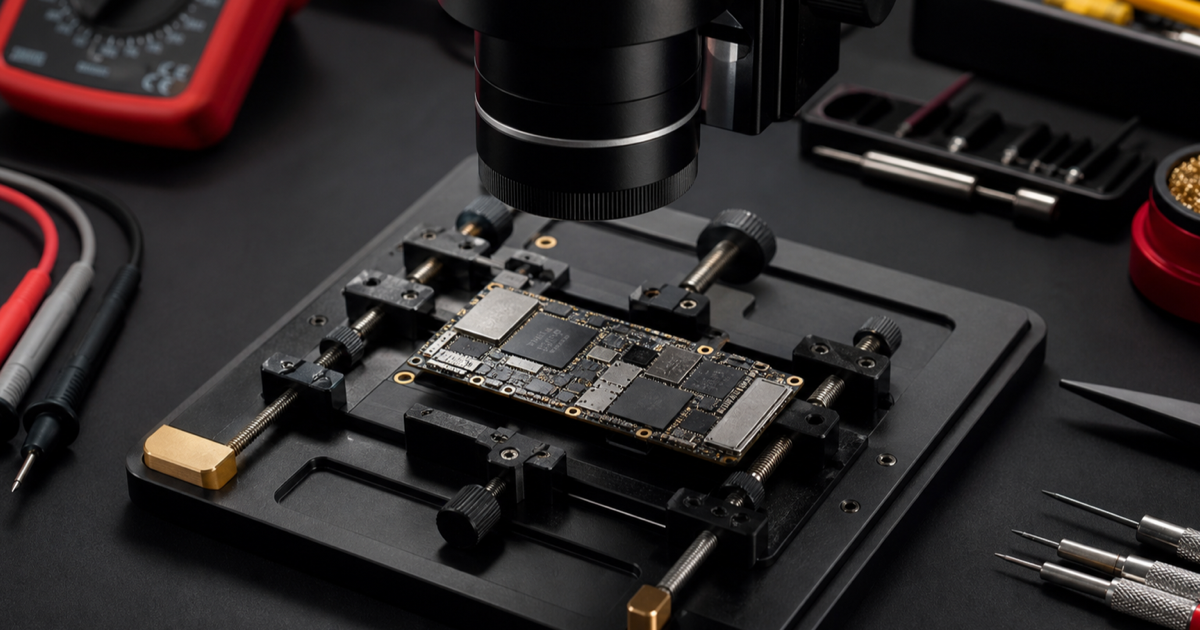
The motherboard connects and controls many phone functions, but a problem with charging, display, battery, software, buttons, or connectors can sometimes appear similar to a board fault. That is why “the phone is dead” is a starting symptom, not a confirmed diagnosis.
Before authorising any work, ask what was inspected and what evidence points toward the proposed repair. A careful assessment may include the power behaviour, charging response, visible condition, event history, and other tests suitable for the model.
Common situations that may need board-level diagnosis
The phone has no power
Explain whether the phone stopped suddenly, became hot, was dropped, contacted liquid, or failed after charging. Also mention any vibration, sound, or computer connection that still occurs.
The phone keeps restarting
Record whether it reaches the logo or home screen, whether the pattern changes while charging, and whether the behaviour began after an update, impact, or repair. Do not factory-reset the device if important data has not been backed up and the phone remains accessible.
Charging and power symptoms appear together
A loose connection, damaged charging area, battery condition, or board circuit can require different checks. Avoid assuming that replacing a port or battery will solve the issue before diagnosis.
Signal, camera, sound, or touch fails after impact
List every function that changed and the order in which it happened. Multiple symptoms after a fall or liquid exposure are important context, but they still do not prove a motherboard fault by themselves.
Repair or replace: questions to ask first
- Has the reported fault been confirmed through inspection?
- Is the proposed work limited to a specific area or does the device need broader assessment?
- Could another component or software condition produce the same symptom?
- What information should be backed up before service, if the phone is still usable?
- Does the device have earlier liquid, impact, or repair history that changes the risk?
The answer may vary by model and physical condition. MRFIX does not promise that every board fault is repairable or that data can be recovered. Inspection should come before a decision.
What to prepare for a motherboard inspection
- Confirm the exact phone model, storage version, and colour.
- Write a short timeline from the last normal use to the first failure.
- List every symptom, including charging, heat, sound, display, vibration, and network behaviour.
- Disclose any drop, liquid exposure, previous repair, or unusual charger event.
- Bring the normal charger only if it is safe and relevant to the fault.
Learn more before choosing a service
Browse the Pakar Phone repair articles for more symptom guides. For local branch information, see the official MRFIX Putrajaya page.
Visit MRFIX Putrajaya
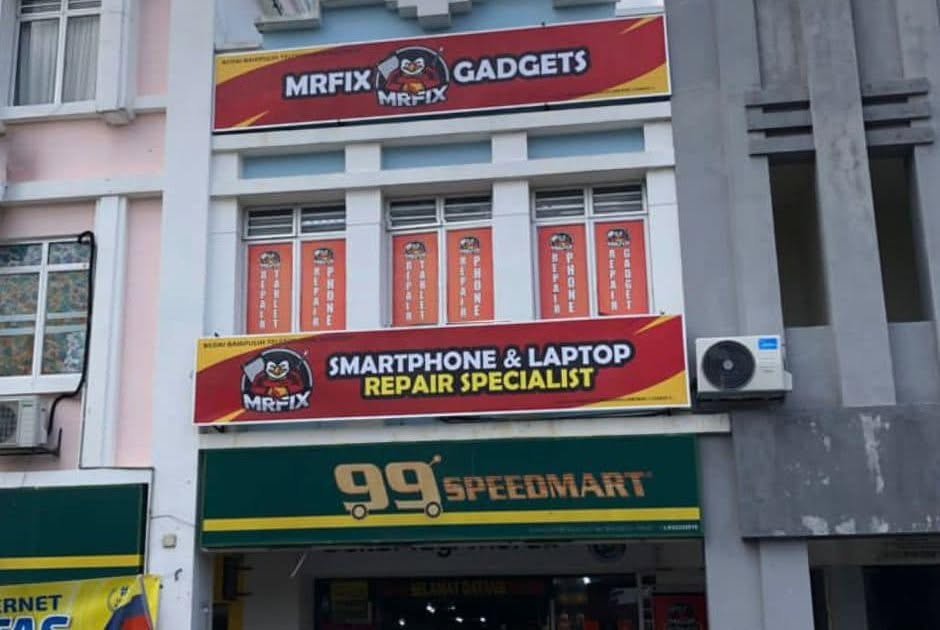
Address: A-6A, 1st Floor, Blok A, Jalan Seluang P8/7, Presint 8, 62250 Putrajaya
Phone: 019-910 0531
Book a phone motherboard inspection
Frequently asked questions
Does no power always mean motherboard damage?
No. Battery, charging, display, button, connector, software, and board problems can overlap. The phone must be inspected before the cause is confirmed.
Should I replace the motherboard immediately?
Ask for a diagnosis first. The suitable option depends on the model, the affected area, previous work, and the measured condition.
Can motherboard repair guarantee my data?
No data outcome should be assumed. Tell the technician that data matters to you, and discuss the device condition and available options after inspection.