

A voice note that sounds clear once and muffled the next does not immediately prove that one microphone part has failed. Recording apps may use different microphones, permissions can vary and the way the phone is held can cover an opening. A useful repair microphone phone Bangi assessment compares the same phrase under controlled conditions.
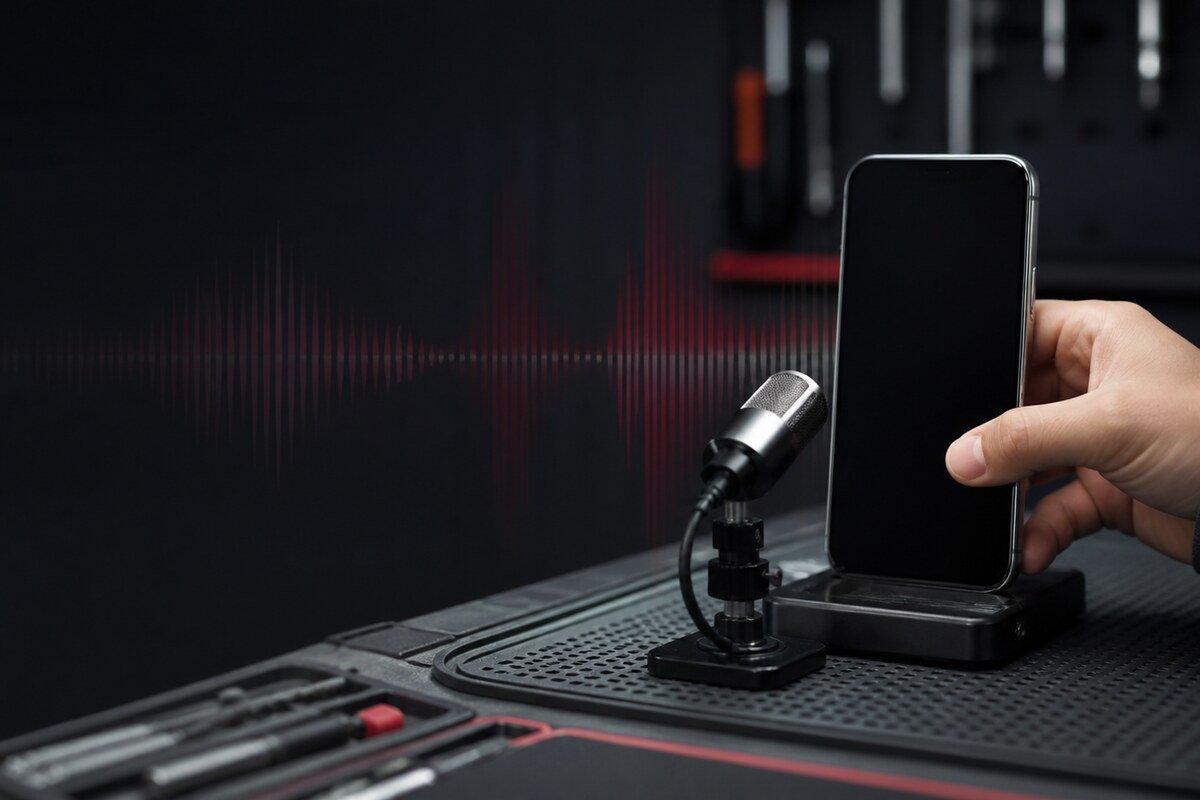
Build a repeatable voice-note test
Choose a quiet room, place the phone at a fixed distance and record the same sentence three times. Repeat the test in the camera app and during a normal call. Disconnect wireless audio accessories so the phone does not switch to another input without notice.
- One app records clearly while another sounds distant.
- The first seconds are normal before the volume drops.
- Background noise overwhelms speech in every recording.
- Sound changes when the phone orientation changes.
WhatsApp MRFIX Bangi: 013 500 0531
Separate app behaviour from hardware symptoms
Confirm microphone permission for each affected app and restart the phone once. If only one app remains affected, note its name and version instead of repeatedly cleaning the device. If every recording shares the same failure, a physical audio-input check becomes more relevant.
Preserve evidence for the inspection
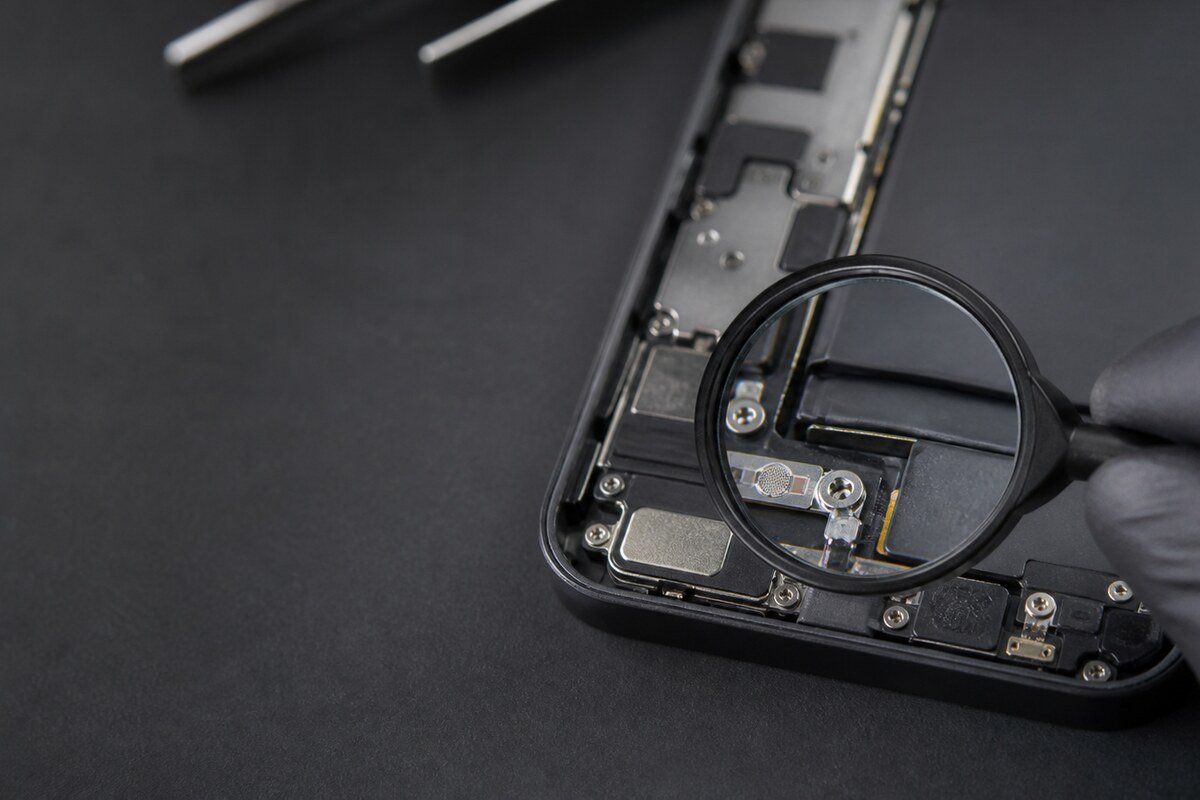
Save one clear example and one faulty example if the problem is intermittent. Mention recent impact, moisture or repair work, and avoid pushing tools into microphone holes. MRFIX Bangi in Seksyen 7 can review the pattern before any component decision is made.

Book a Check with the MRFIX Bangi Form
Use more than one recording before repair
A diagnosis based on one noisy clip can point in the wrong direction. Consistent comparisons show whether the issue follows an app, a microphone position or the entire audio-input path. That evidence keeps repair microphone phone Bangi focused on the real fault rather than a convenient assumption.