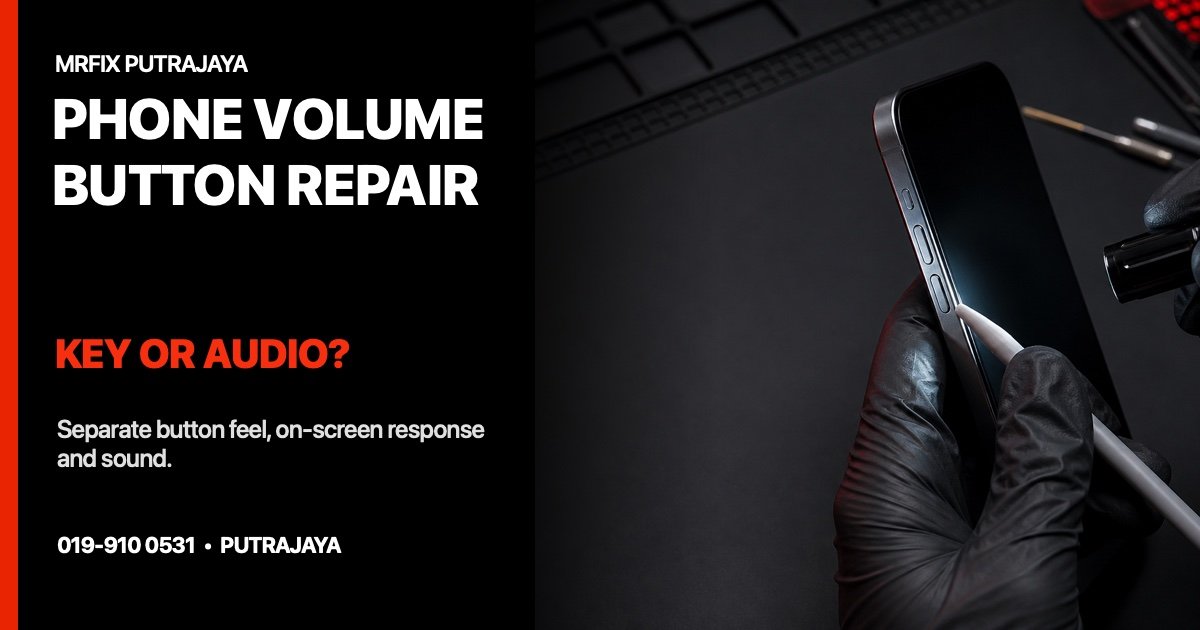
A phone volume button problem can be physical, on-screen or audio-related. The key may feel stuck, the volume bar may not appear, the bar may move while the sound stays unchanged, or Bluetooth may send audio somewhere unexpected. People searching for phone volume button repair Putrajaya need to separate key response from sound output before choosing a repair path.
This guide uses a key-screen-audio decision map. It does not assume the side button, speaker or software is responsible. The same complaint—“volume not working”—can describe several different functions.
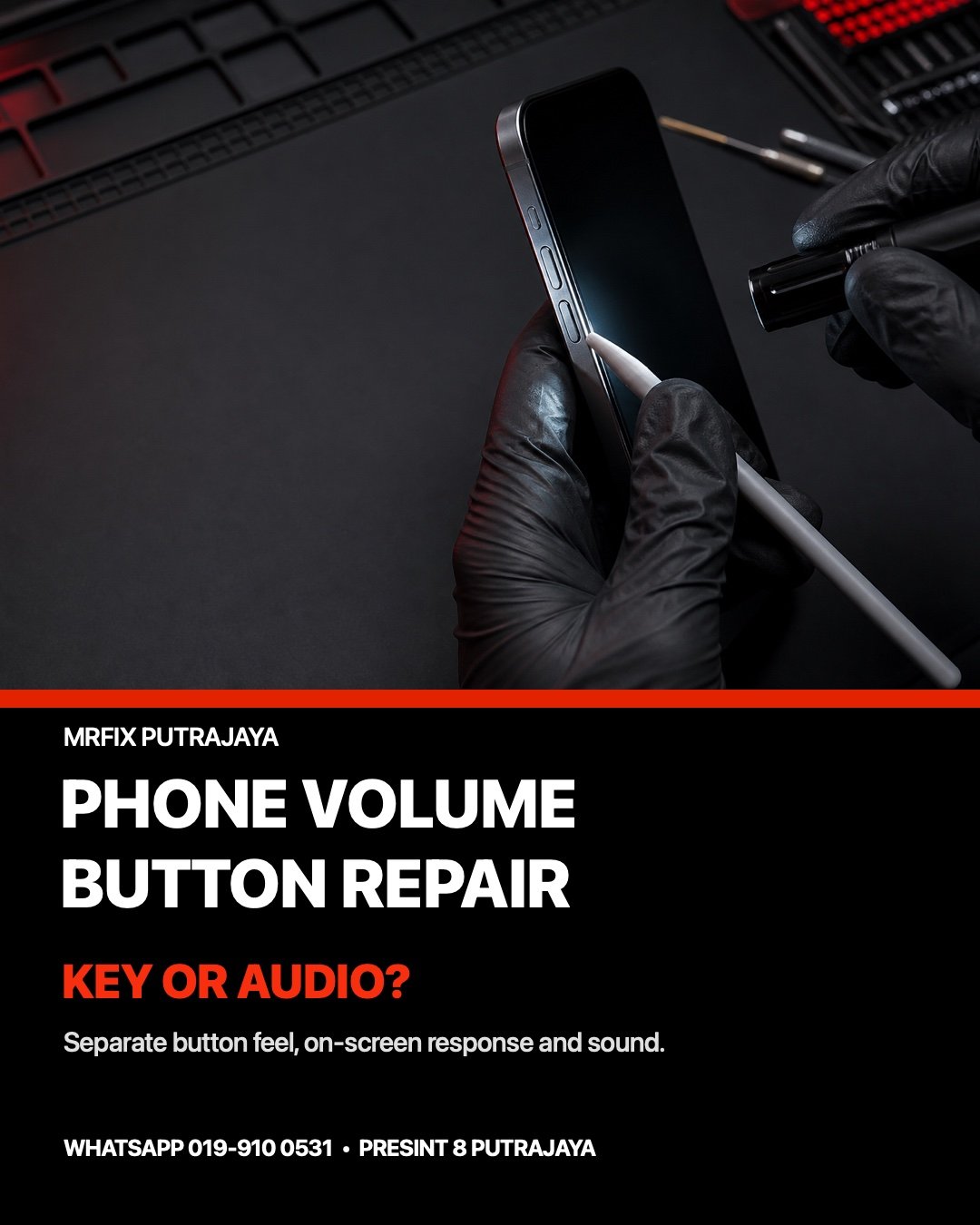
Separate the problem into three layers
1. Physical key feel
Without pressing harder than normal, note whether volume up and volume down feel different. Record a missing click, stiffness, looseness, delayed return or a button that stays pressed. Remove only an ordinary external case if it slides off easily and is clearly covering the key. Do not pry at the button or apply oil, cleaner or liquid.
2. On-screen response
Watch whether the normal volume indicator appears when each key is pressed once. Note whether the bar moves up, down, both ways or by itself. If the volume changes without touching the key, stop repeated testing and record when it happens.
3. Actual audio route
Identify the sound type: ringtone, media, call earpiece, loudspeaker, alarm or connected Bluetooth device. A moving volume bar does not prove the expected speaker is active. Record whether headphones, a car system, earbuds or another wireless device were connected.
Use the key-screen-audio matrix
- Key feels normal, indicator moves, sound stays the same: record the audio type and output route rather than blaming the key.
- Key feels stuck, indicator moves repeatedly: stop pressing it and note whether a case, impact or liquid event preceded the symptom.
- On-screen controls work, physical keys do not: describe both keys separately and avoid pressing harder.
- No audio works anywhere: treat it as a wider sound or system symptom, not automatically as a volume-button fault.
This matrix creates a service-selection brief. It does not identify a flex cable, switch, speaker or board fault. The device model, physical condition and test results determine what needs closer inspection.
Record the event that happened first
Useful context includes a drop, tight case, liquid exposure, repair, update or connection to a new Bluetooth accessory. Write down the sequence: for example, “after the case was changed, volume down became stiff,” or “the on-screen bar moved but media still played through earbuds.” A timeline is more valuable than repeatedly forcing the symptom.
Know when to stop using the phone
Switch the phone off if the button is jammed, the volume changes continuously, liquid reached the side keys, the case is lifting, the device becomes unusually hot, or there is smoke, smell or hissing. Do not charge a phone with liquid exposure or a changed case shape. Do not press a lifted panel flat.
If the affected control is a side-mounted fingerprint or power key, compare the Android fingerprint sensor-or-screen guide. If the volume bar behaves unpredictably after a software change, use the Android app-or-system checklist to preserve the wider timeline.
WhatsApp the volume-button pattern to MRFIX Putrajaya

Prepare for a phone-button inspection
- Record the exact phone brand and model.
- Describe volume up and volume down separately.
- Note the physical feel, on-screen bar and actual audio route.
- Mention any case change, impact, liquid exposure, update or previous repair.
- Do not include unlock codes or account passwords in the form.
Visit MRFIX Putrajaya at A-6A, 1st Floor, Blok A, Jalan Seluang P8/7, Presint 8, 62250 Putrajaya. Contact 019-910 0531. The next step depends on the model and condition found; this article does not promise a price, repair time, stock, warranty or outcome.
Book a phone volume-button inspection
Frequently asked questions
Does a working on-screen volume control prove the side key is faulty?
No. It is a useful comparison, but the physical key, software response, audio route and phone condition still need to be considered together.
Can I spray cleaner around a sticky button?
No. Do not apply liquid, oil or cleaner to a phone button. Stop pressing a jammed key and report any spill or contamination.
What information helps with service selection?
Send the model, which key is affected, how it feels, whether the volume bar moves, which audio type is involved and any recent impact, case or liquid event.