A moisture warning that disappears and returns is worth documenting. A repair phone moisture warning Bangi check should look at timing, environment, cables and port condition together instead of treating one alert as proof of a single fault.
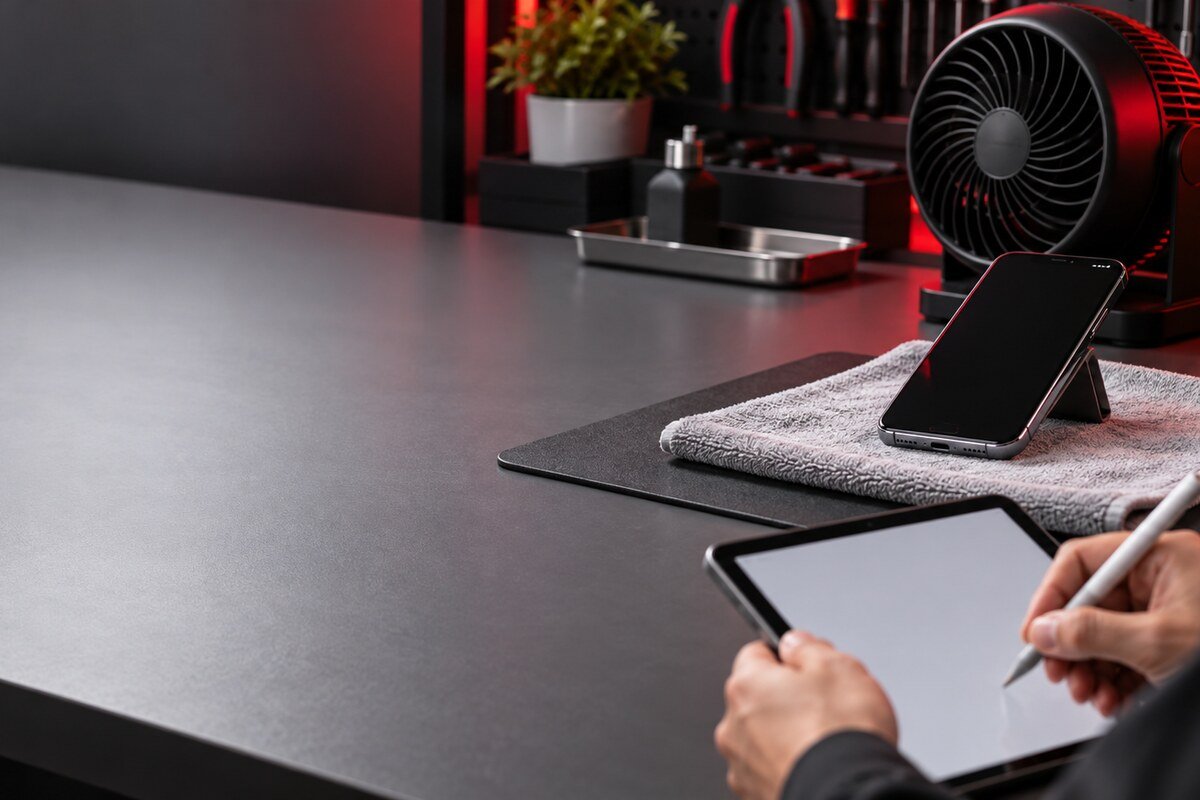
Patterns behind a recurring alert
- The message appears after moving from air conditioning into humid outdoor air.
- The warning returns only with one cable or adapter.
- Charging connects and disconnects without a stable pattern.
- The alert follows rain, exercise, a spill or cleaning near the phone.
- The message remains after a patient period of natural air drying.
Write down the sequence rather than repeatedly reconnecting power. The timing may help distinguish environmental moisture, accessory contamination, visible residue and an intermittent port reading.
Build a simple timeline
- Record the first time and place the alert appeared.
- Note recent exposure to rain, humidity, sweat or a spill.
- List the cable and adapter used at that moment.
- Write down how long the phone remained unplugged.
- Stop testing if there is heat, smell, swelling or unstable power.
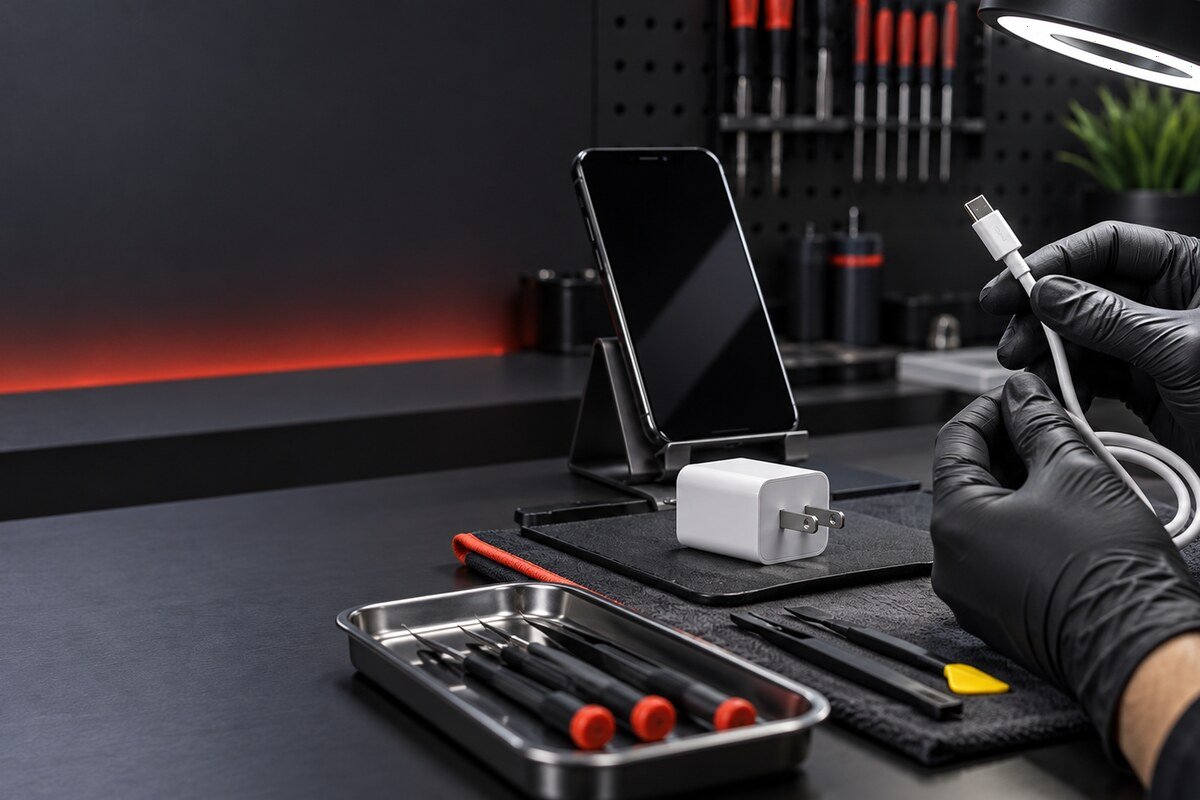
Do not bypass a protective message
Online shortcuts that force charging can remove a warning without resolving the condition that triggered it. Avoid heat, metal tools, cleaning fluid and aggressive compressed air. A controlled inspection is the sensible next step when the alert persists.
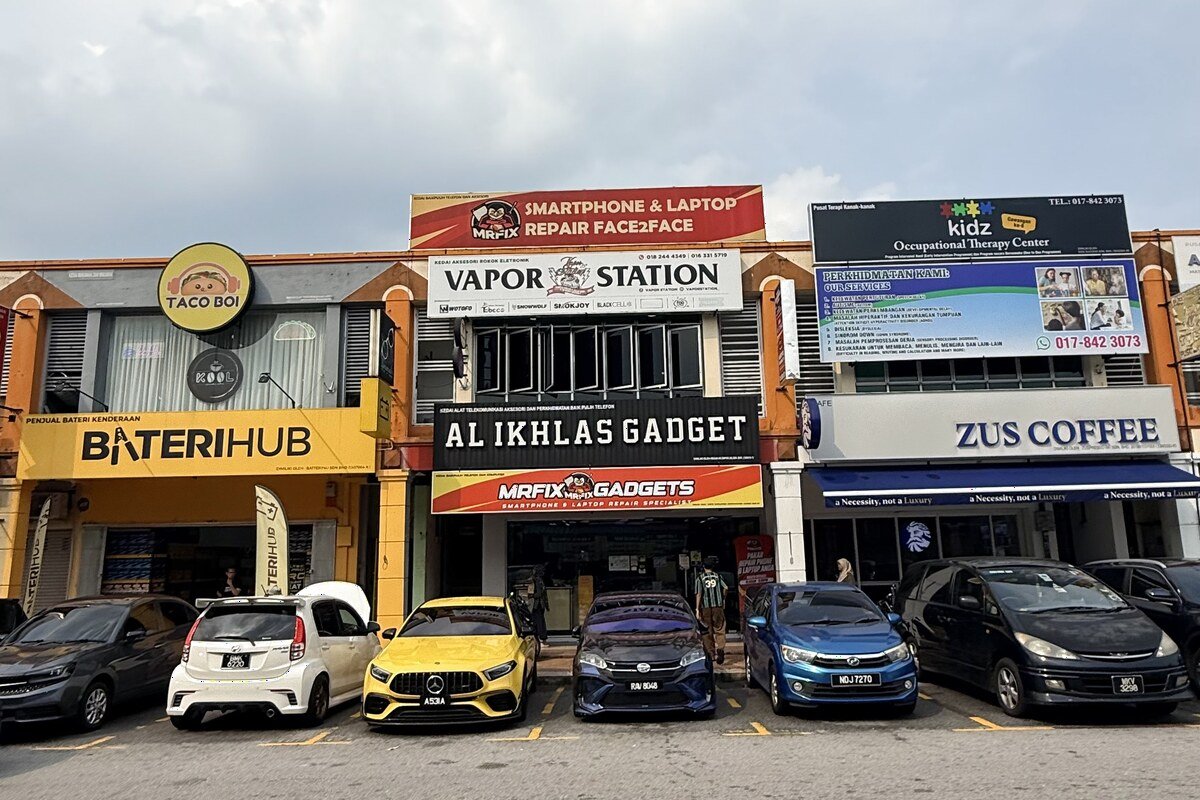
Local diagnosis in Seksyen 7
MRFIX Bangi can assess intermittent warning behaviour for customers from Bandar Baru Bangi, Kajang, Putrajaya, Serdang, Nilai and Semenyih. Bring any safe, dry charging accessories that were involved so the sequence can be reproduced carefully.
Information to share
Send the phone model, first-alert time, environment, cable used and any change in charging behaviour. A short factual timeline is more useful than an unlock code, password or private account information.
A physical inspection is needed before the cause, parts, price, repair duration or outcome can be confirmed.