When a phone stops reading a memory card, repeated insertion is rarely a useful first step. A repair SD card slot phone Bangi assessment should begin with controlled read tests that protect the card, the tray and any important files. The goal is to reproduce the symptom without creating a new one.
Prepare before testing
- Record the exact storage warning.
- Check the phone model’s supported card type and capacity.
- Identify whether the card contains irreplaceable files.
- Inspect the tray for visible bends or missing edges.
- Use only a compatible card with no critical data.
A card that works elsewhere is useful evidence, but it does not by itself prove the phone slot is faulty. Alignment, software state and contact condition still need inspection.
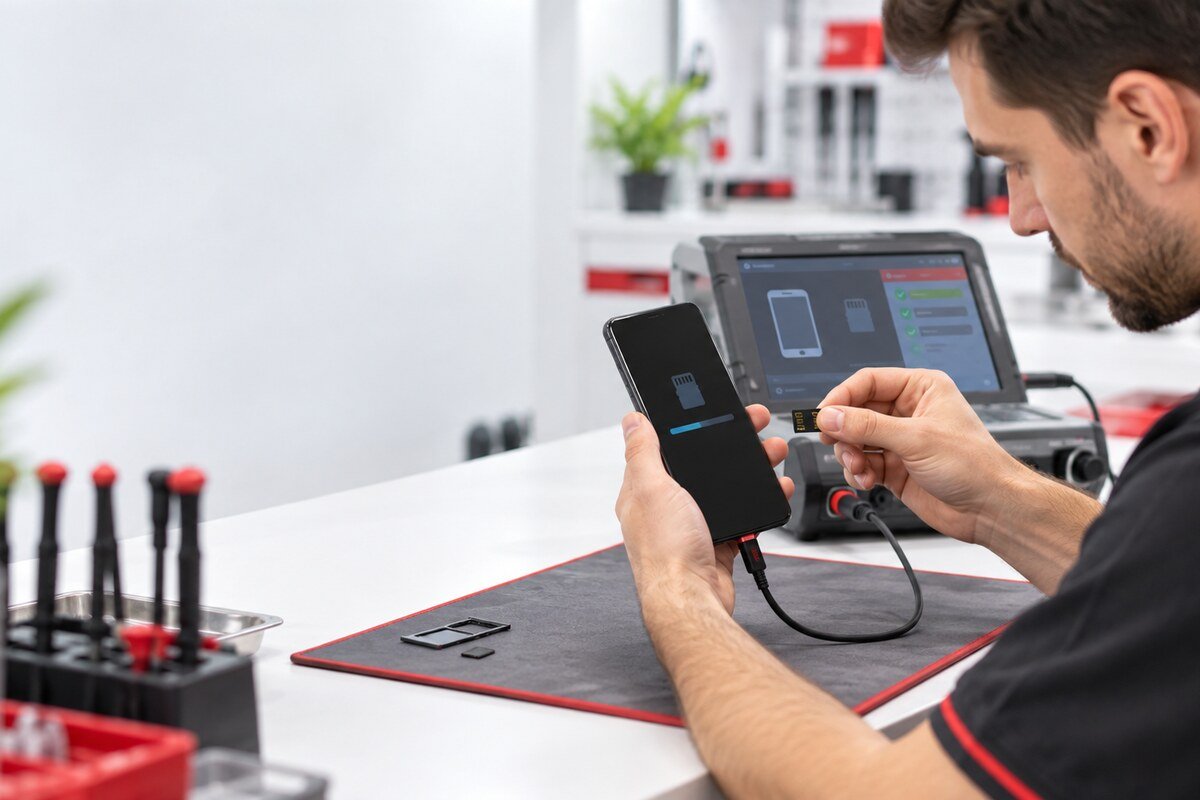
A low-risk read test
- Shut the phone down normally.
- Release the tray without twisting or forcing it.
- Seat the compatible test card in the correct orientation.
- Restart once and observe storage status.
- Stop if the tray resists or the phone reports repeated errors.
Avoid destructive prompts
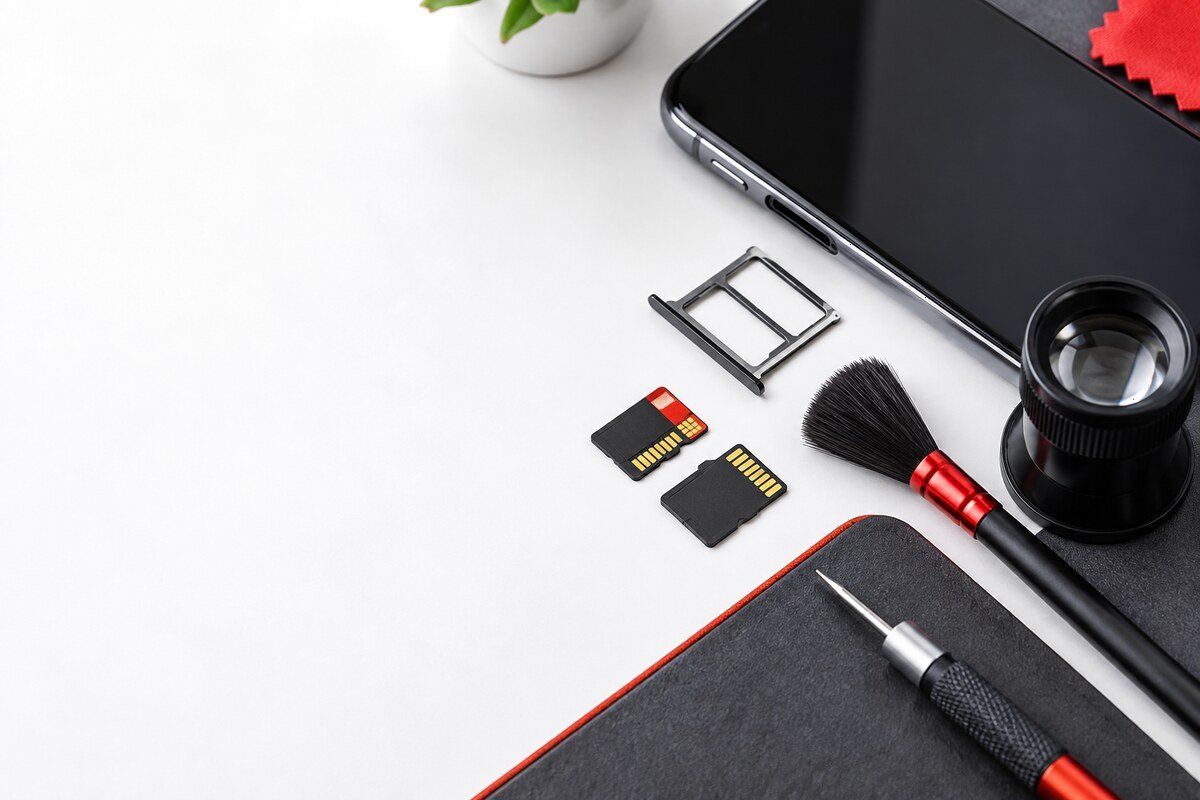
Do not format, erase or repair a card containing important data simply because the phone suggests it. Avoid metal tools, liquid cleaners and compressed air inside the slot. These actions may damage contacts or complicate data recovery.
Assessment near Bandar Baru Bangi
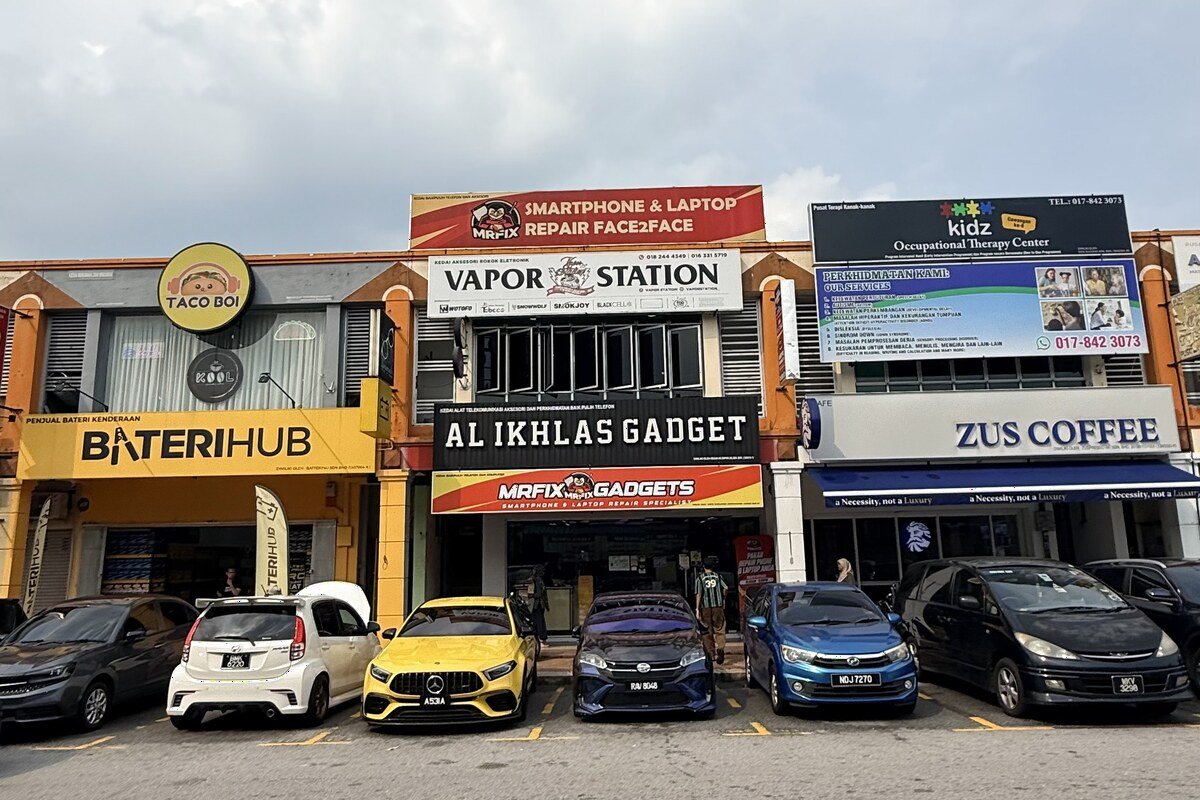
MRFIX Bangi in Seksyen 7 can inspect the tray, visible contacts and read behaviour for customers from Kajang, Putrajaya, Serdang, Nilai and Semenyih as well as Bangi.
Hands-on inspection is necessary before confirming the cause, required component, cost, timing or result.