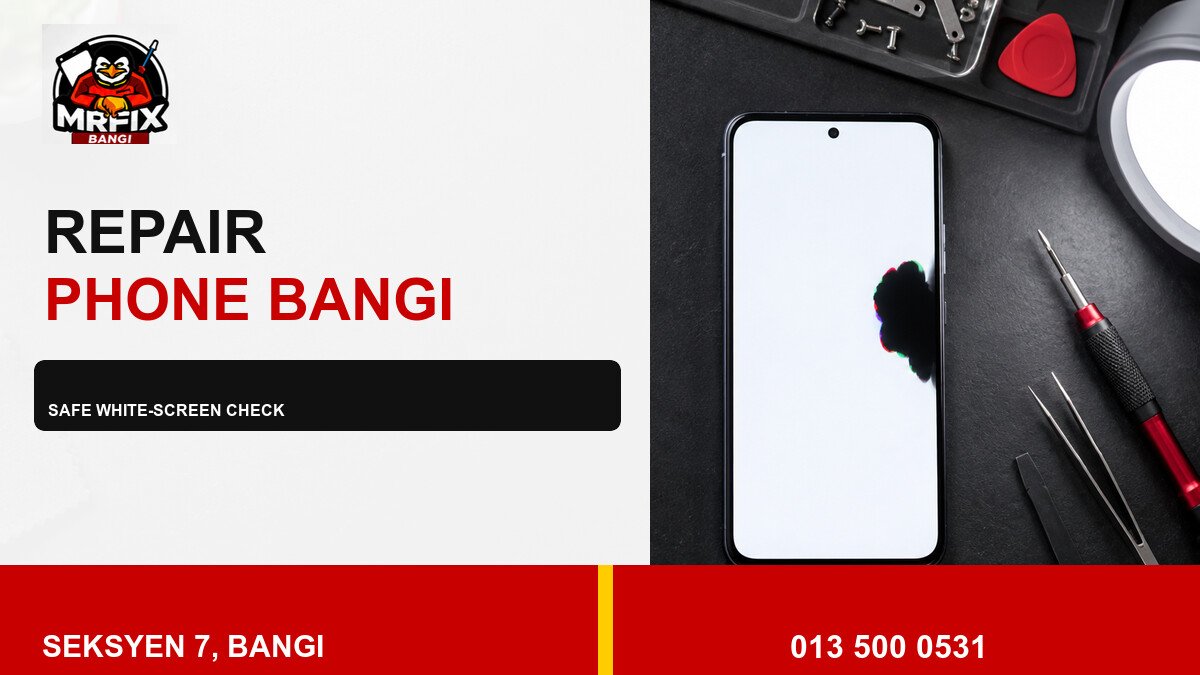
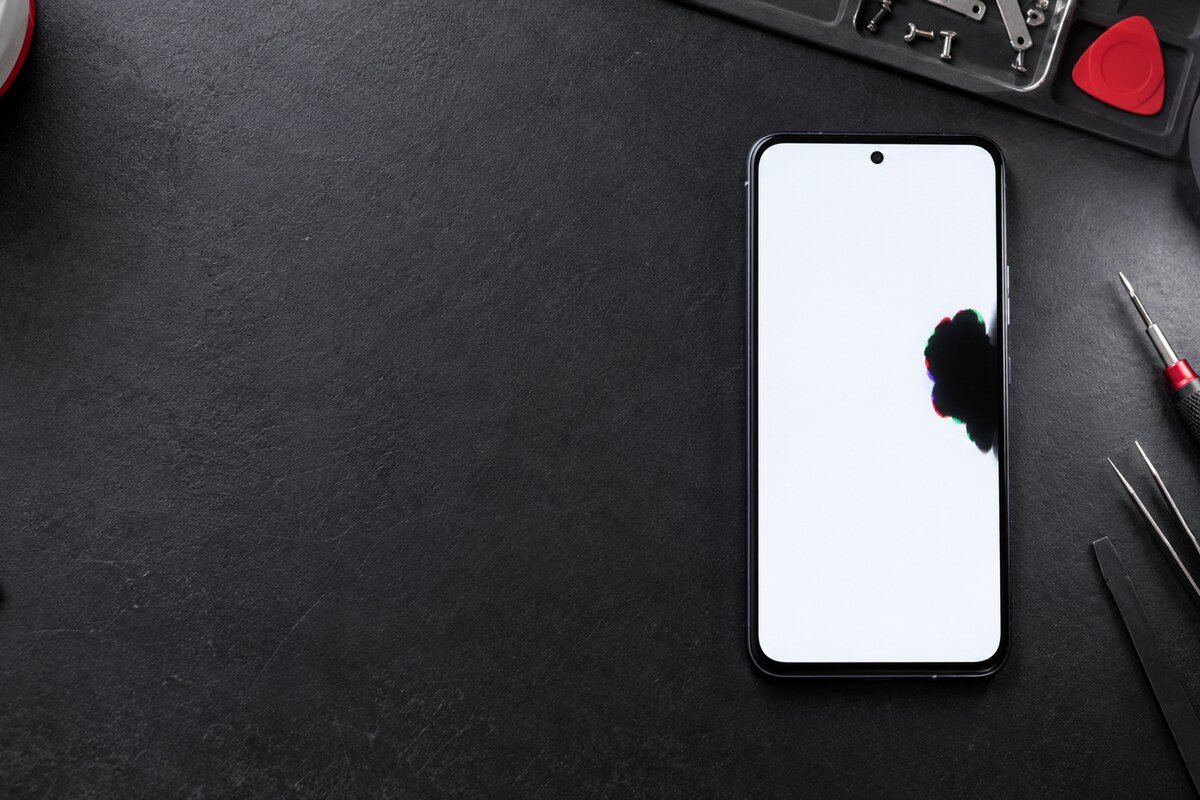
A white test screen can make a dark patch easier to see, but it should be used as an observation tool rather than a repair method. During a repair phone black spot Bangi check, the safest approach is to compare a few solid colours, record the pattern and avoid pressure on the display.
Set up a controlled screen check
- Use moderate brightness in an evenly lit room.
- Remove only a loose outer protector if it is safe to do so.
- Display plain white, black and primary-colour backgrounds.
- Look for a fixed outline, coloured fringe or nearby lines.
- Stop if the panel lifts, flickers strongly or becomes hot.
Maximum brightness is unnecessary and may add heat. A brief, consistent test provides better comparison than leaving a test screen running for a long period.
What the comparison can reveal
- A physical blotch usually keeps the same boundary across apps.
- A tiny isolated point may be a pixel-level fault.
- A faded icon-shaped shadow suggests a different display symptom.
- A mark visible in the screenshot on another device may be software-related.
- Touch failure beside the spot should be recorded separately.
Do not use heat or force
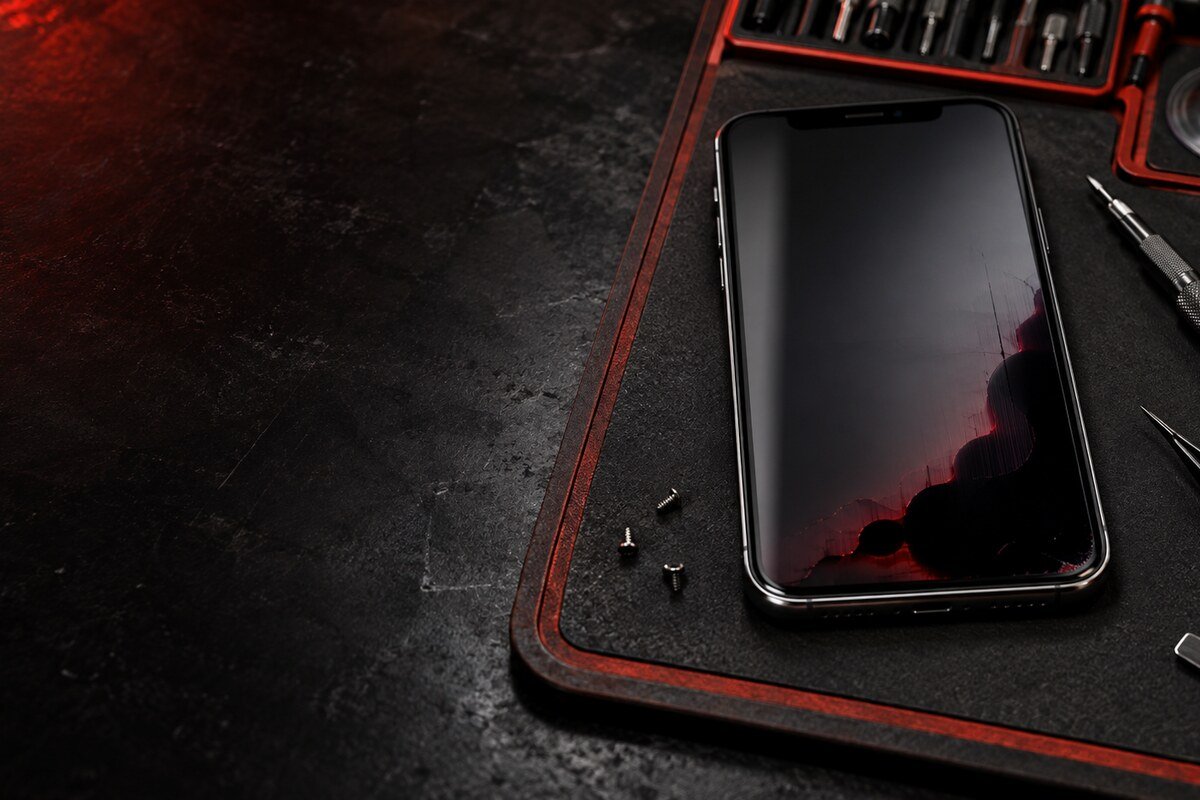
Do not massage the spot, bend the phone or heat the panel. Avoid opening the device at home because the display, battery and seals can be affected by an uncontrolled attempt.
Assessment near Bandar Baru Bangi
MRFIX Bangi in Seksyen 7 can inspect the display pattern, glass, frame and touch behaviour for customers from Bangi, Kajang, Putrajaya, Serdang, Nilai and Semenyih.
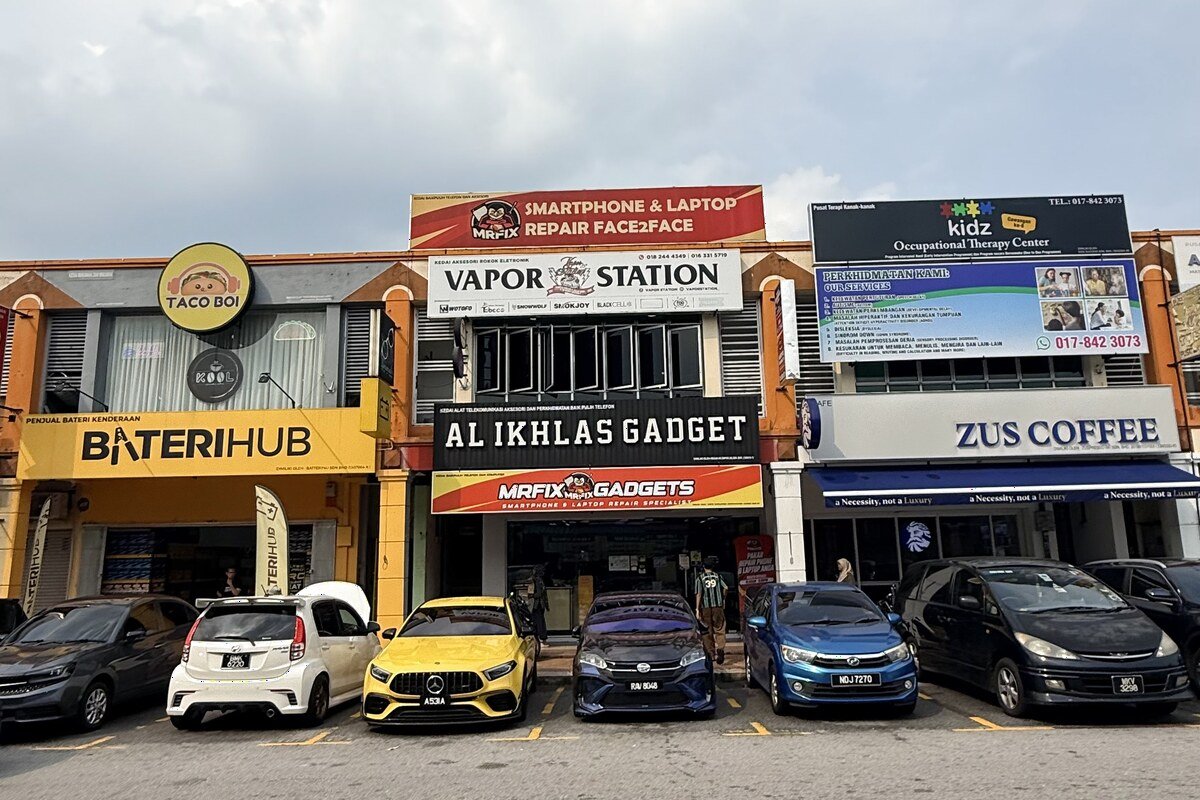
A physical inspection is needed before the cause, required parts, cost, timing or outcome can be confirmed.