
A phone repair visit is easier when the symptoms are clearly explained. Before choosing a phone repair Kota Warisan service, spend a few minutes noting what changed, when the problem started and whether the device was dropped, exposed to moisture or recently updated. These details help the technician begin with the right checks instead of relying on guesswork.
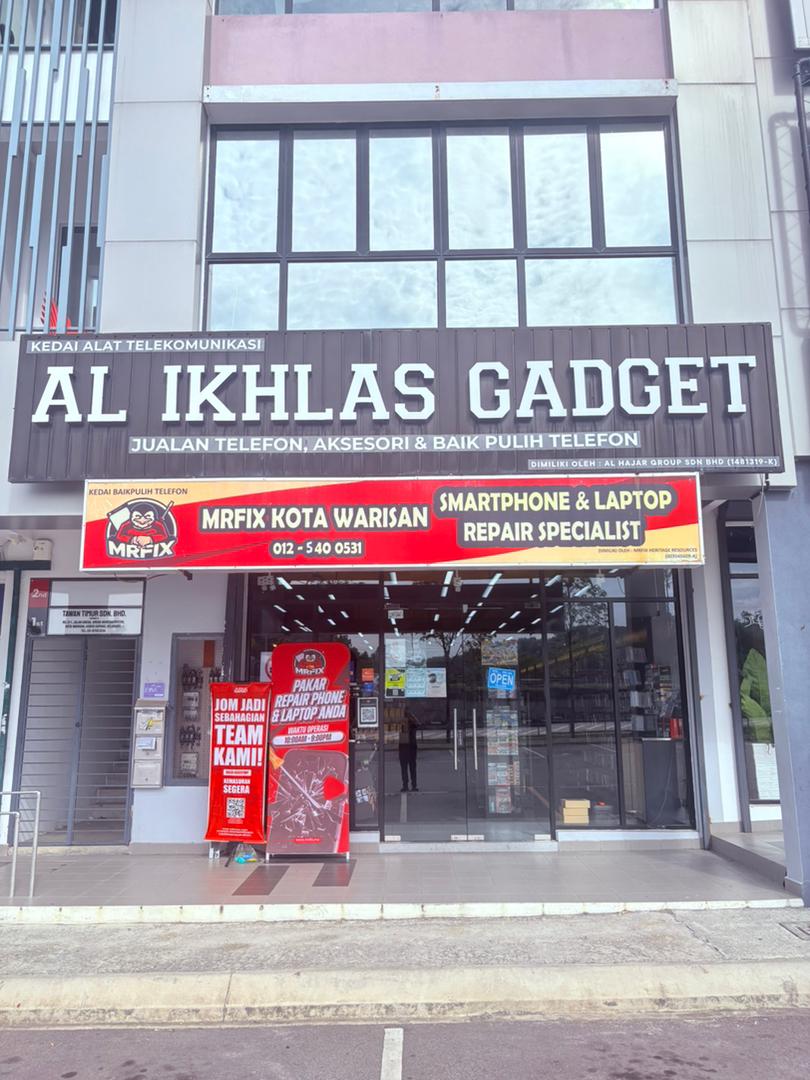
MRFIX Kota Warisan serves customers from Kota Warisan, Salak Tinggi, Bandar Baru Salak Tinggi, Bandar Serenia, Sunsuria City, Saujana KLIA, Sepang, KLIA, KLIA2, Dengkil, Kota Seriemas, Bandar Enstek, Nilai and Cyberjaya. The shop is located at 21-G, Jalan Arena Warisan Puteri, Kota Warisan, 43900 Sepang.
Write down the exact symptoms
“The phone is not working” can mean many things. A more useful description explains whether the screen is black, touch is unresponsive, the battery percentage drops suddenly, charging disconnects or the phone restarts by itself. If the issue appears only occasionally, record a short video or screenshot while it happens.
- Screen flickering, lines, dark patches or damaged glass.
- Touch responding slowly or moving without input.
- Battery draining quickly or the phone shutting down unexpectedly.
- Charging cable working only at a certain angle.
- Camera, speaker, microphone or buttons behaving differently.
- Overheating during light use.
Back up important information
If the phone can still be used, back up photos, contacts, documents and authentication information before the visit. Make sure you remember the account credentials needed to restore your data. Do not share passwords, banking details or one-time verification codes unless a specific function genuinely needs to be demonstrated in your presence.
Remove bank cards, identity documents and other sensitive items from the phone case. If you use an eSIM or a work-managed device, note any company procedures that may apply before repair.
Bring the accessories related to the problem
For charging complaints, bring the cable and charger normally used with the device. A fault may involve the cable, adapter, charging port, battery or another component. Testing the usual accessories gives useful context. For sound problems, mention whether the issue happens on calls, videos, speaker mode or with earphones.
Questions to ask before making a decision
- What is the likely cause based on the inspection?
- Which component is recommended for repair or replacement?
- Are there different component options?
- What could happen if the issue is left unresolved?
- What care steps are recommended after repair?
A responsible decision starts with understanding the recommendation. Avoid assuming that every charging problem needs a battery or every dark screen needs the same part. The appropriate next step depends on the condition of the individual device.
Convenient for nearby areas
Kota Warisan is close to Salak Tinggi and routes serving KLIA. Customers travelling from Nilai, Bandar Enstek, Dengkil or Cyberjaya may also plan a visit when they are in the Sepang area. Confirm the branch address before travelling so that the device reaches MRFIX Kota Warisan.
Book your Kota Warisan repair enquiry
Use the booking form to submit the device model, contact details and main problem before visiting.
Preparing these details makes a phone repair Kota Warisan visit more organised. Customers from Kota Warisan, Sepang, Nilai, Cyberjaya and surrounding areas can contact MRFIX Kota Warisan for an initial enquiry or bring the device for inspection.