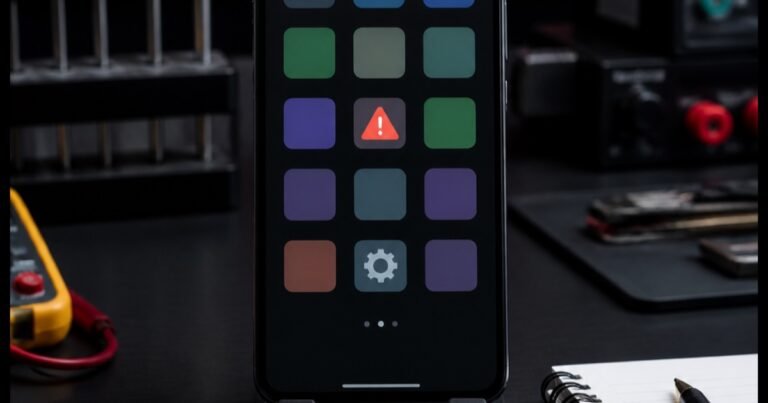

A call display that wakes while the phone is beside your face can cause confusing taps, but the timing of the symptom matters. It may happen only in one app, after a protector was fitted or after the phone moved at a particular angle. A structured repair proximity sensor phone Bangi assessment compares those conditions before drawing a conclusion.
Observe when the screen wakes
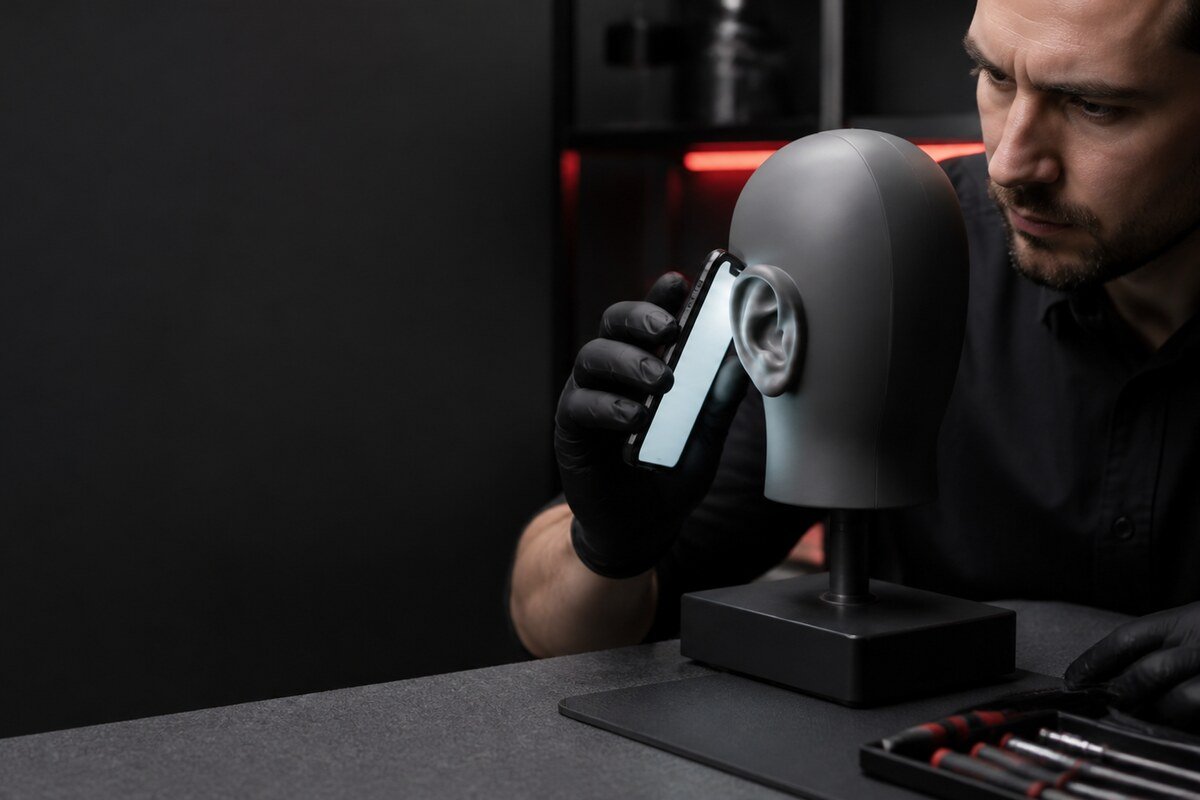
Make a short call and keep your grip consistent. Note whether the display stays dark, flickers on and off, or wakes only when the phone shifts. Then repeat the test without a case. Ask another person to help so you can watch the screen without pressing it against your face.
- The screen wakes only when the phone tilts forward.
- It remains dark even after moving away from your ear.
- The issue occurs in internet calls but not normal calls.
- A thick protector overlaps the upper display area.
WhatsApp MRFIX Bangi: 013 500 0531
Compare software and physical conditions
Restart once, check for pending official system updates and test the standard phone app. Clean the upper glass with a dry microfiber cloth. Do not use aggressive cleaner or push tools into the earpiece. If the behaviour changes after removing an accessory, keep that accessory aside for comparison.
Include the device repair history
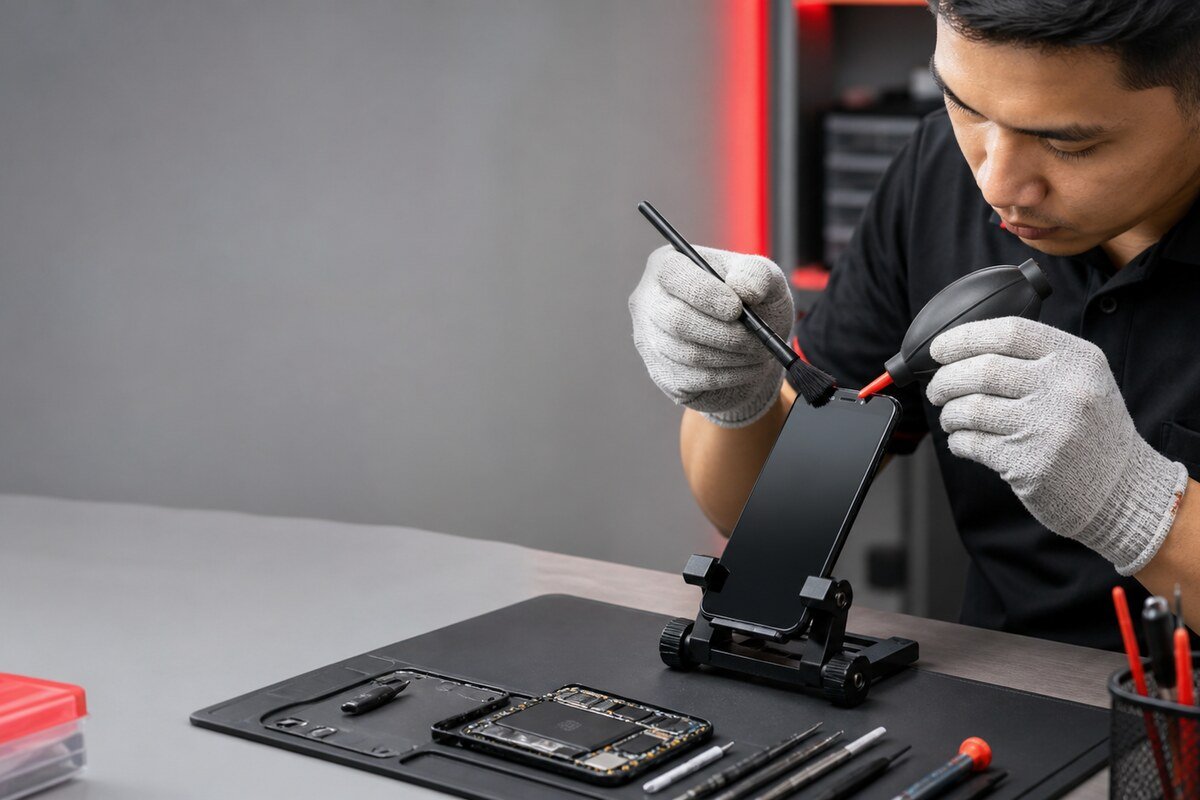
A previous screen replacement, impact or moisture event can be relevant even if the phone appeared normal afterwards. Share when that event happened and whether the call-screen symptom began immediately or gradually. MRFIX Bangi in Seksyen 7 can check the front-panel fit, sensor response and software behaviour together.

Use the MRFIX Bangi Repair Form
Turn an intermittent symptom into evidence
Intermittent screen behaviour is easier to diagnose when the app, angle, accessory and recent repair history are known. That context keeps repair proximity sensor phone Bangi targeted and avoids treating every unexpected screen wake as the same fault.