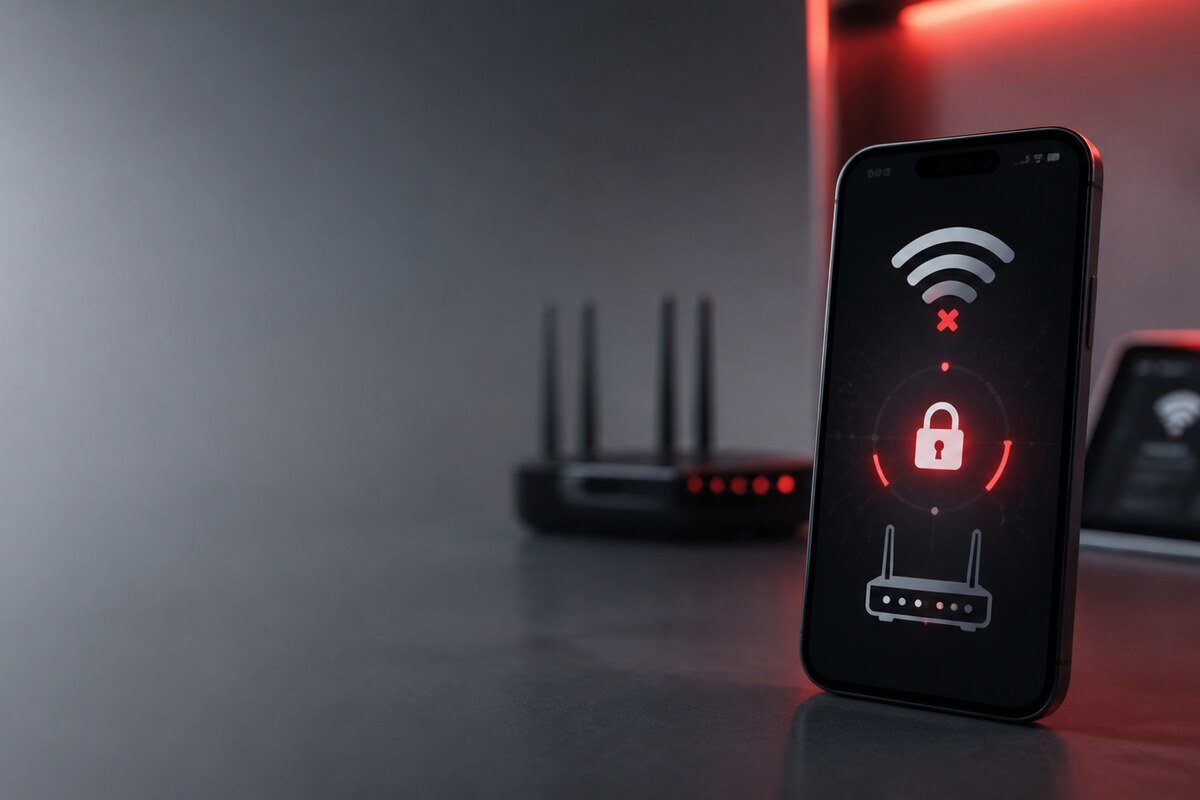
Before assuming a phone has a faulty WiFi component, test the problem in a way that separates network conditions from device behaviour. A careful repair WiFi phone Bangi diagnosis uses repeatable comparisons and protects personal network details while narrowing down the fault.
Safe tests to perform first
- Compare the phone on two trusted WiFi networks.
- Check whether another device works on the original router.
- Test with the usual phone case removed.
- Note whether the network name is missing or only fails to connect.
- Confirm if the issue changes after the screen locks.
Keep passwords private during diagnosis
A technician does not need your home WiFi password in a message. You can demonstrate the issue at the shop using an approved test network or describe the exact stage where connection fails. Screenshots of error wording can help, but remove personal network names if you prefer.
What hardware diagnosis may consider
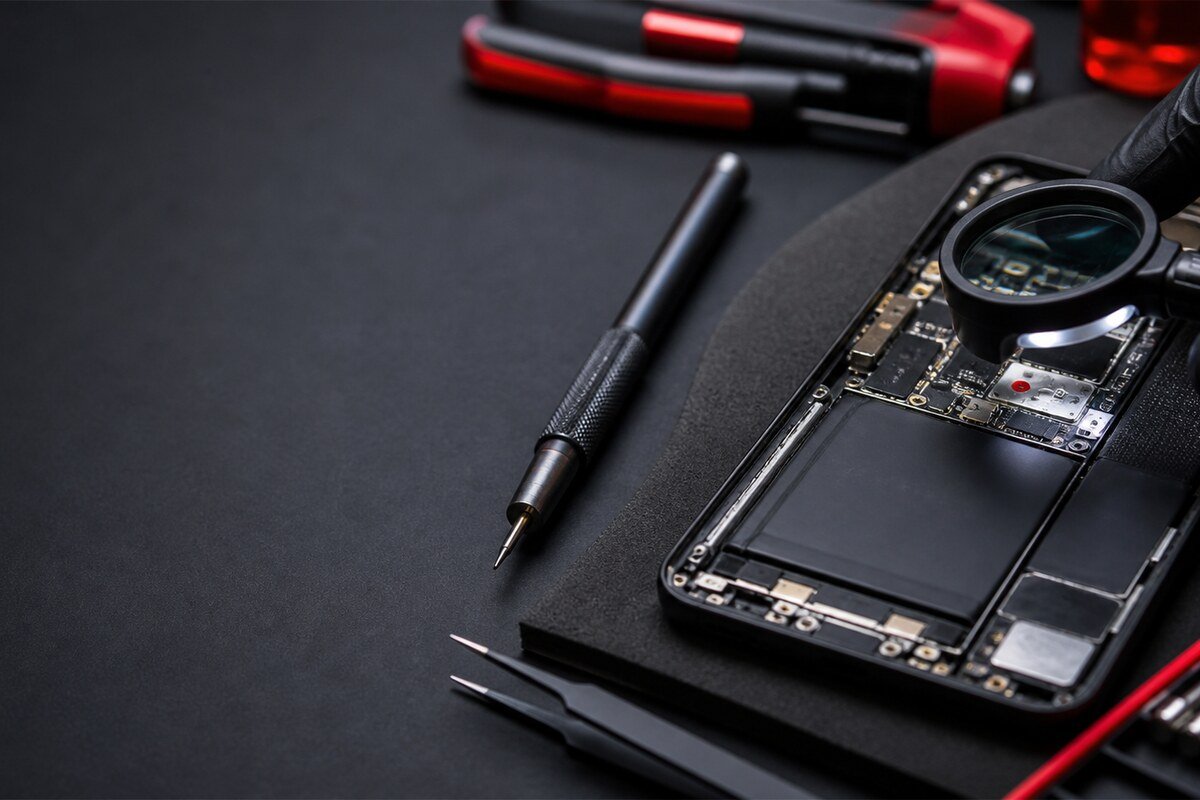
If the same fault appears on several known-good networks, inspection may move toward antenna contacts, frame condition, internal connectors or signs of liquid exposure. The history matters: a drop can change signal range, while an update can change saved-network behaviour. These clues should be compared rather than treated as proof on their own.
Information that speeds up a useful check
- Phone model and software version.
- Whether 2.4 GHz, 5 GHz or both are affected.
- Whether hotspot connections behave differently.
- Changes made shortly before the problem started.
- Any impact, moisture or previous opening of the phone.
MRFIX Bangi in Seksyen 7 serves customers around Bandar Baru Bangi, Kajang, Putrajaya, Serdang, Nilai and Semenyih. Bring the phone and its normal case, but keep your personal router credentials with you.