When fingerprint unlock fails, the visible symptom can come from several different parts of the user experience. A rear sensor, side button, or under-display reader does not behave the same way, and a screen protector or missing settings option changes the questions to ask. Customers searching for Android fingerprint repair Putrajaya need a way to classify the failure before assuming that the sensor must be replaced.
This guide maps the fingerprint-reader type, the exact failure message, and the event that came before it. It is not a do-it-yourself repair guide and does not claim that every fingerprint problem is repairable.
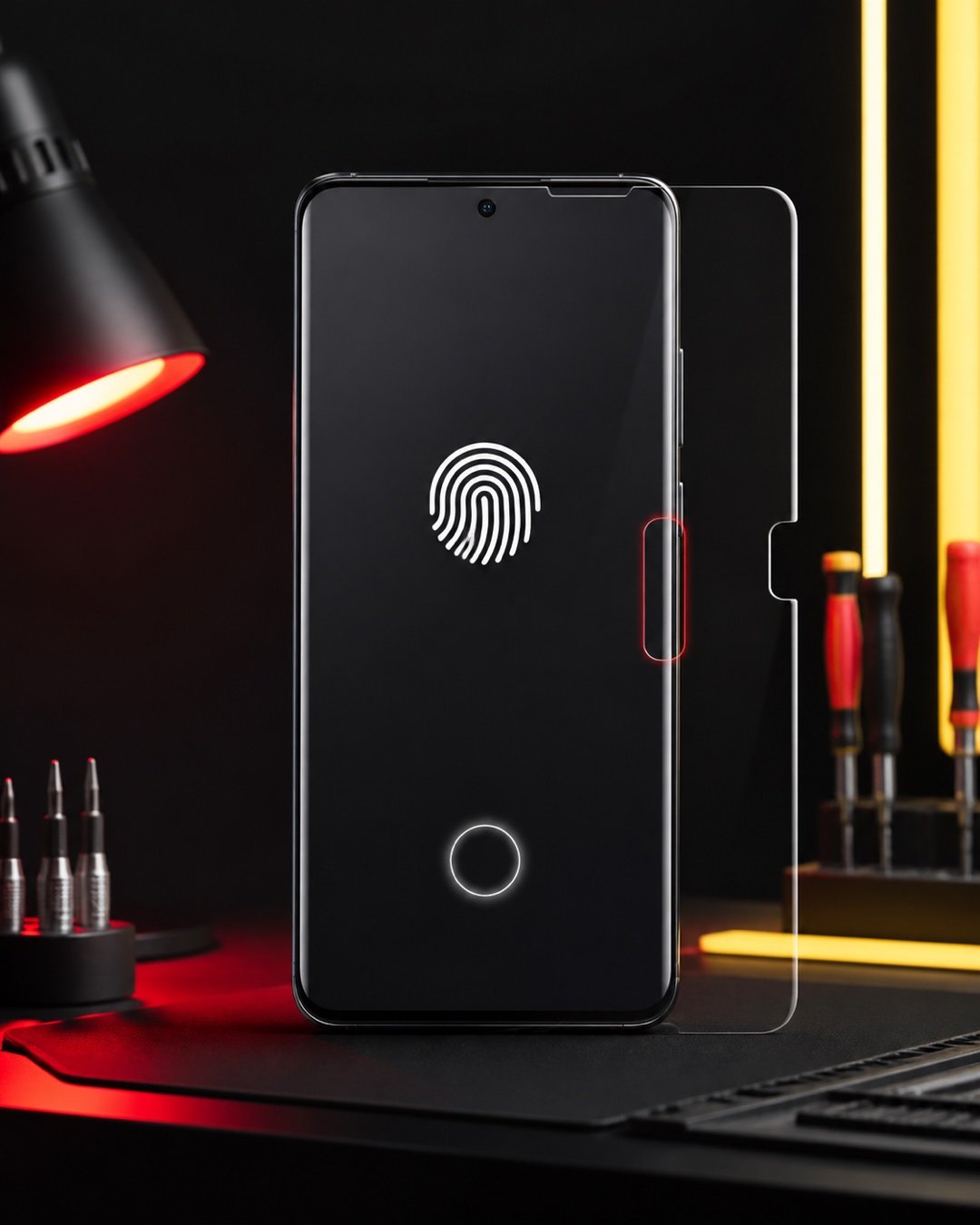
First identify where the reader is
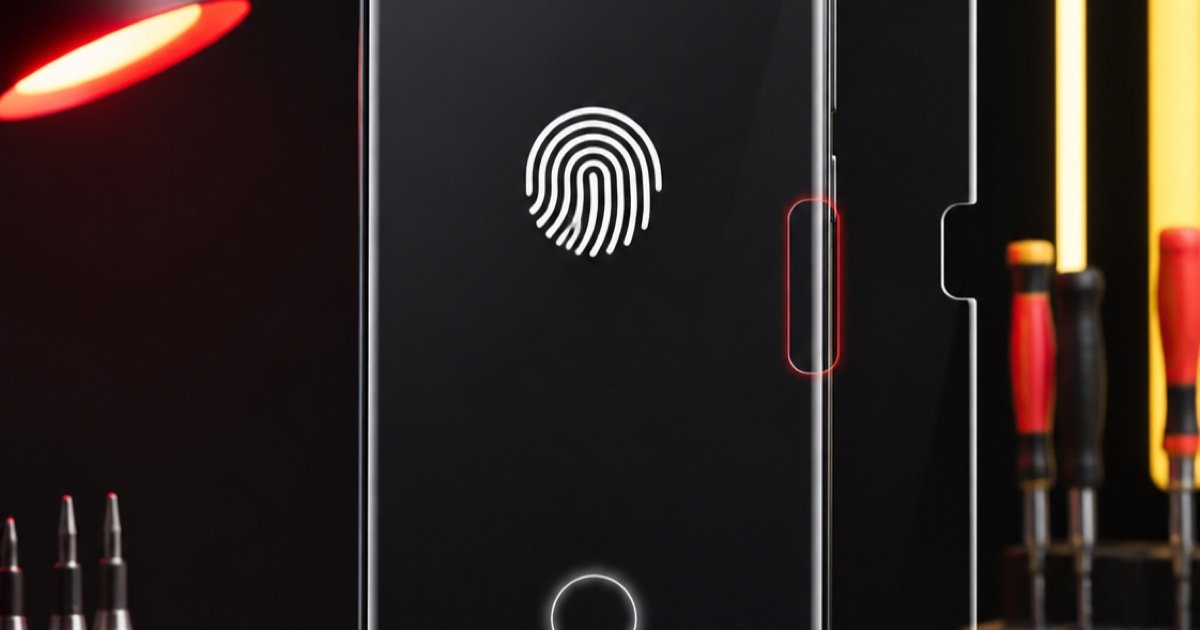
- Under the display: the phone shows a target area on the screen where the finger is placed.
- On the side: the reader shares or sits near a side button.
- On the rear: a separate sensor area sits on the back of the phone.
- On the front button: the reader is built around a physical or touch-sensitive front control.
Record the exact phone model rather than guessing the reader type from appearance. Some model families use different layouts, and the inspection path depends on the device in hand.
Classify the failure before resetting anything
The phone reads slowly or inconsistently
Clean and dry your finger and the accessible sensor surface with a soft dry cloth. Note whether the same finger fails every time, whether another enrolled finger behaves differently, and whether a case or screen protector covers the reading area. Do not use liquid inside a button or opening.
The fingerprint option is missing
Take a screenshot of the security settings and any error message. Record whether the option disappeared after an update, impact, liquid exposure, screen work, or another repair. Do not factory-reset the phone merely to test this article; a reset can remove data and may not answer whether hardware inspection is needed.
The issue began after a screen or protector change
State the date of the change and whether fingerprint enrolment, unlocking, or both stopped working. For an under-display reader, record the protector type without peeling or pressing on the display. The screen, protector, sensor position, and software state may need to be considered together.
The side reader also acts as a button
Report fingerprint response separately from the button action. For example, the phone may wake when pressed but fail to read a finger, or the reader may respond while the physical button feels stuck. Keeping these behaviours separate makes the handover clearer.
A four-question sensor-or-screen framework
- Where is the reader? Under-display, side, rear, or front control.
- What exactly fails? Enrolment, recognition, settings availability, or physical button action.
- What changed first? Protector, screen, impact, liquid exposure, update, or previous repair.
- What still works? PIN or pattern unlock, touch response, display image, side-button action, and normal startup.
This framework does not identify a failed component. It prevents several different symptoms from being compressed into the phrase “fingerprint broken.” If the display is cracked, lifting, flickering, or failing touch, stop pressing the affected area and report the screen condition as a separate safety concern.
Prepare a useful inspection handover
Bring the exact model name, a screenshot or photo of the message, and the timing of the last successful fingerprint unlock. Explain whether the phone can still be opened with its normal PIN or pattern. Do not share the PIN in the booking form; access arrangements can be discussed during the inspection if testing requires them.
For model-specific preparation, read the Google Pixel repair handover guide. If the fingerprint issue appeared with display movement or fold-area symptoms, compare the Samsung Z Flip screen symptom map.
WhatsApp the fingerprint symptom details to MRFIX Putrajaya

Book an Android fingerprint inspection
MRFIX Putrajaya is located at A-6A, 1st Floor, Blok A, Jalan Seluang P8/7, Presint 8, 62250 Putrajaya. Contact 019-910 0531. The available option depends on the model and condition found; no price, repair time, stock, warranty, or outcome is promised here.
Frequently asked questions
Should I factory-reset the phone before an inspection?
Do not reset it merely as a test. Record the error and protect your data; a reset may not show whether the screen, sensor, or another condition needs inspection.
Can a screen protector affect fingerprint reading?
A protector can be relevant for some under-display readers. Record its type and installation timing without peeling or pressing the display.
What if the fingerprint option has disappeared?
Capture the security-settings screen and any message, then report the event that came before the option disappeared.