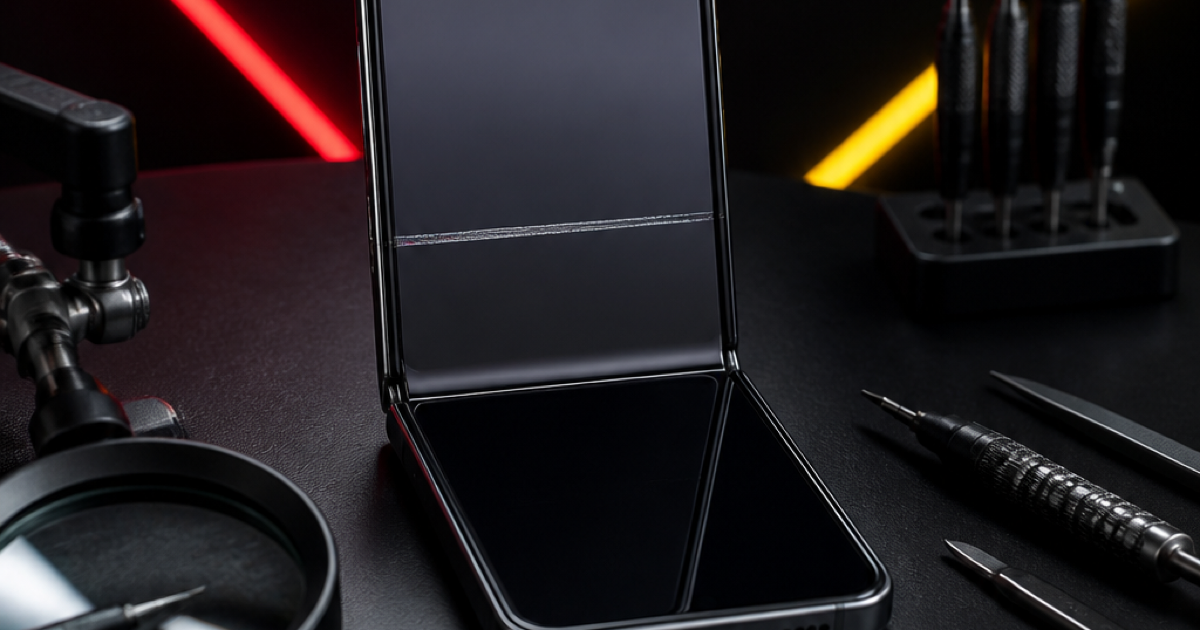
A foldable phone has more than one display area, and “the screen is broken” can describe several different symptoms. Before looking for Samsung Z Flip screen repair Putrajaya, identify whether the problem affects the inner display, the cover screen, the fold area, or touch response. That map helps a technician inspect the right area without assuming the required repair.
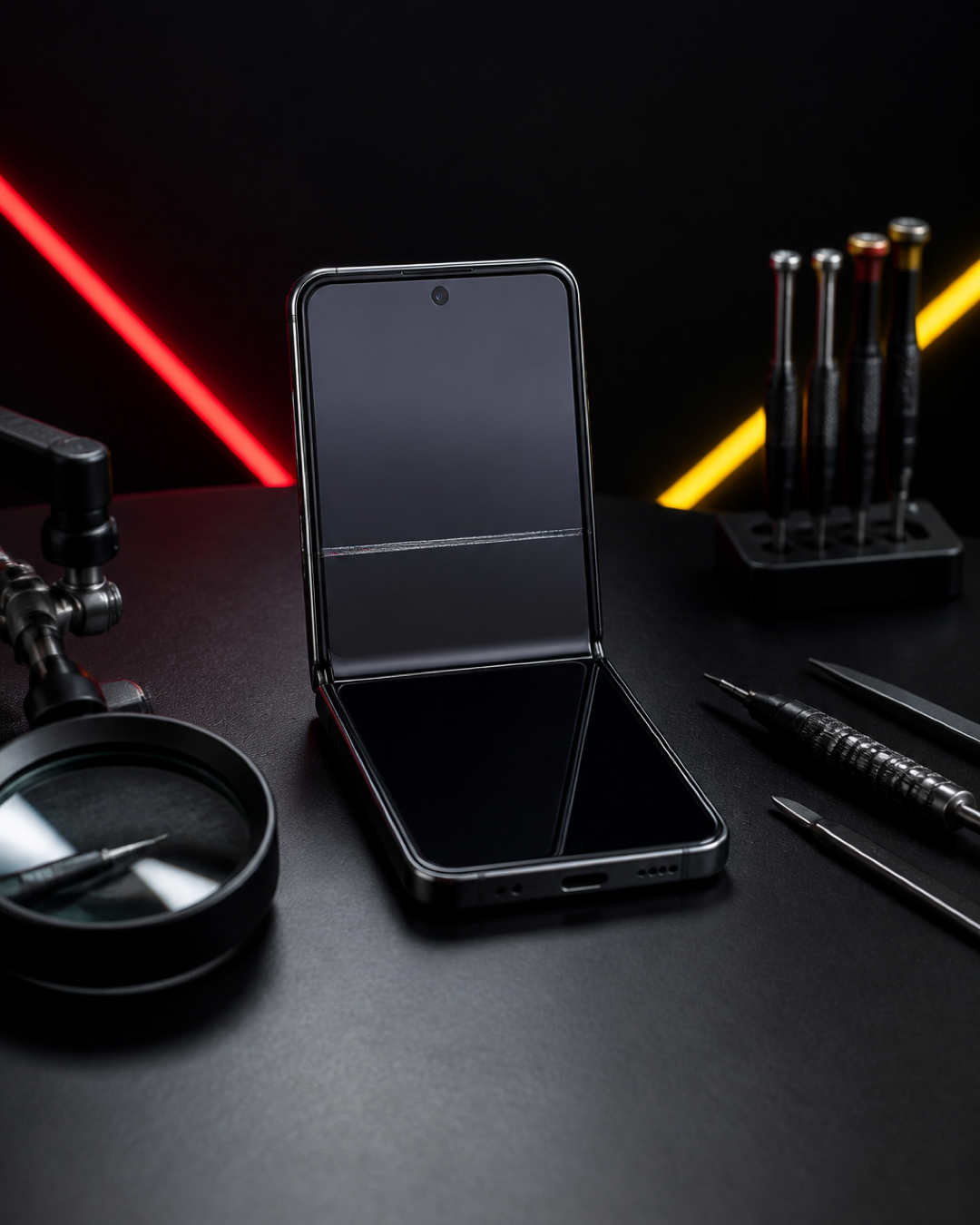
Map the problem before you fold the phone again
If the display shows a new line, black patch, flicker, or failed touch, avoid repeatedly opening and closing the phone just to demonstrate it. Record the symptom once with another camera if possible. If the phone is partly open and movement causes resistance, stop rather than forcing the hinge.
Which Z Flip screen area is affected?
Inner display
Note whether the image fault appears above, below, or across the fold. Check whether touch fails in the same area or across the whole inner screen. Do not press bubbles, lines, dark spots, or lifted layers.
Cover screen
Confirm whether the outer display wakes, shows notifications, and responds to touch while the inner display remains closed. A working cover screen does not diagnose the inner screen, but the difference is valuable inspection information.
Fold-area surface or protector
Describe whether you see lifting, a crease change, debris, or a visible surface mark. Do not peel any layer or apply tape. The visible surface, display assembly, and hinge area should be evaluated before a repair choice is made.
Touch response
Record whether the picture remains clear while touch fails, whether only one section is affected, and whether the issue changes with the phone’s angle. Stop testing if movement makes the symptom worse.
The safe foldable-phone handover checklist
- Confirm the exact Galaxy Z Flip model and storage colour only for identification.
- Photograph the symptom without repeatedly flexing the phone.
- State whether it followed a drop, pressure, liquid exposure, or appeared without an event.
- Back up important data if the device remains stable and usable.
- Bring the case separately if it may be pressing against the hinge or screen edge.
This preparation framework is the article’s main purpose: it separates screen location, visual symptoms, touch behaviour, and fold movement so the enquiry is specific without pretending to diagnose the phone online.
Send your Z Flip model and screen symptom to MRFIX Putrajaya
Related Putrajaya repair decisions
If the phone shows touch failure without a foldable display, compare the Samsung A15 touch-symptom guide. If the device is completely unresponsive and the screen condition is uncertain, the repair-or-replace motherboard framework explains why symptoms should be separated before a component decision. This page adds a foldable-specific screen map to that cluster.
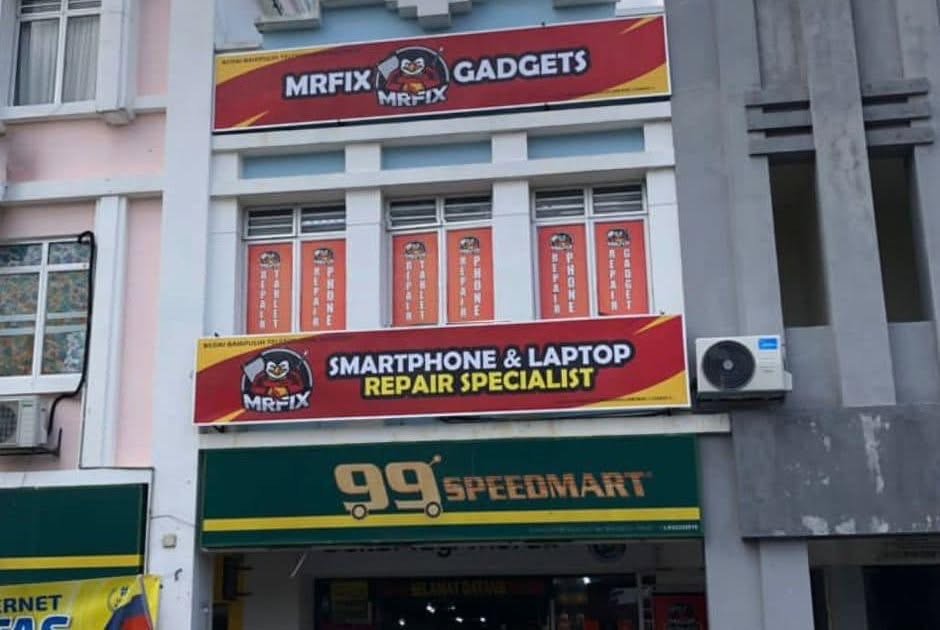
Find MRFIX Putrajaya
Address: A-6A, 1st Floor, Blok A, Jalan Seluang P8/7, Presint 8, 62250 Putrajaya
Phone: 019-910 0531
Book a Z Flip screen inspection
Frequently asked questions
Should I keep opening the Z Flip to test a screen line?
No. Record the symptom once and avoid repeated movement if the line, touch response, or hinge resistance changes.
Can the cover screen work while the inner display has a problem?
Yes, the two areas can show different behaviour. Report each one separately for inspection.
Can a photo confirm which part needs replacement?
A photo helps describe the symptom but does not replace physical inspection of the display, surface layers, and fold area.