
Before treating inconsistent brightness as a hardware fault, run a few controlled comparisons. A practical repair auto brightness phone Bangi diagnosis checks system behaviour, attached accessories and light response while protecting the customer’s data and settings.
Confirm the exact failure first
- Manual brightness works but automatic adjustment remains still.
- The display becomes too bright only in one environment.
- The level changes after an app, call or power-mode change.
- Removing the case alters the response.
- The issue follows an update, screen protector or previous repair.
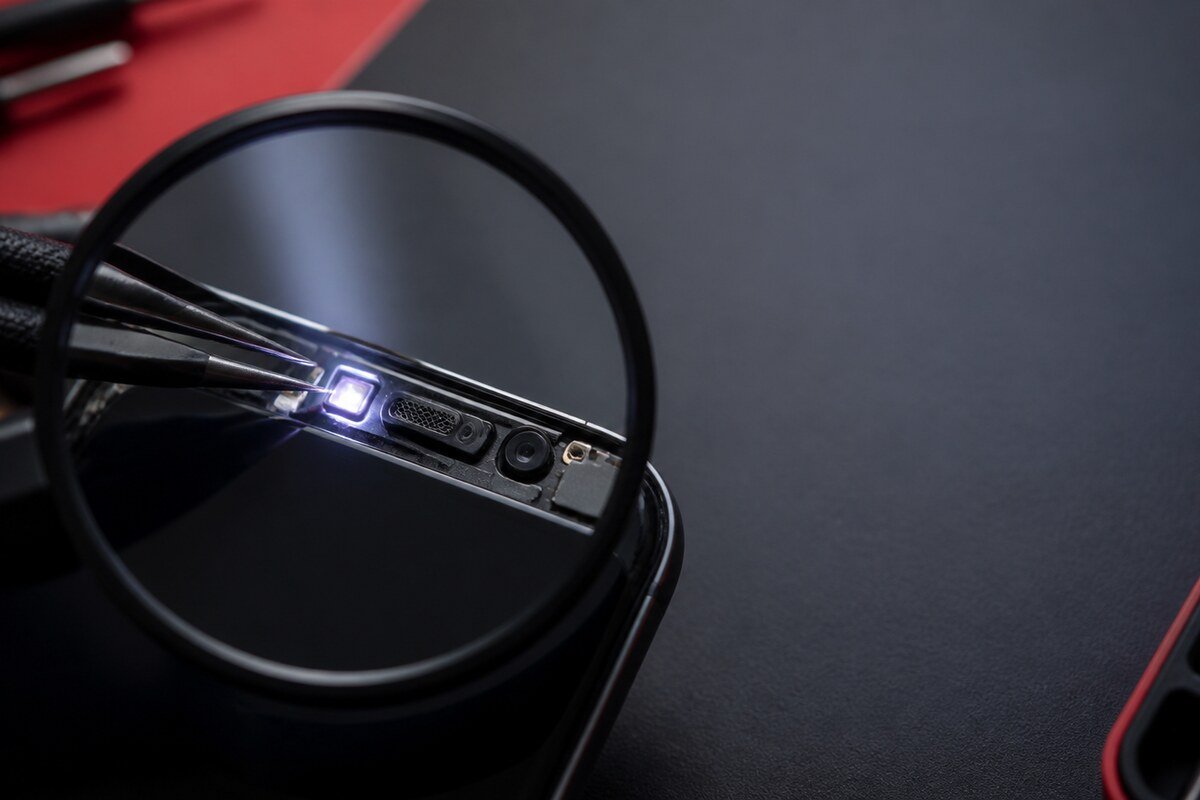
Check software behaviour without erasing the phone
Review automatic brightness, accessibility display options and power-saving settings. Restart once and repeat the same light test. Avoid unofficial utilities, broad resets or system files. If a reset is being considered later, secure important passwords, authenticator access and backups first.
Inspect what sits above the sensor area
Clean the upper display with a dry soft cloth and check whether a dark border, dust pocket, crack or shifted protector crosses the sensor area. Compare the response with the case removed only when that can be done safely. Do not press the display or pry at damaged glass.

Know when a device inspection adds value
Arrange a diagnosis when the same behaviour persists in stable lighting, when the upper sensor area looks clear, or when the symptom followed impact, moisture or display work. Mention whether the screen itself shows lines, flicker, touch issues or other unrelated symptoms so they can be assessed separately.
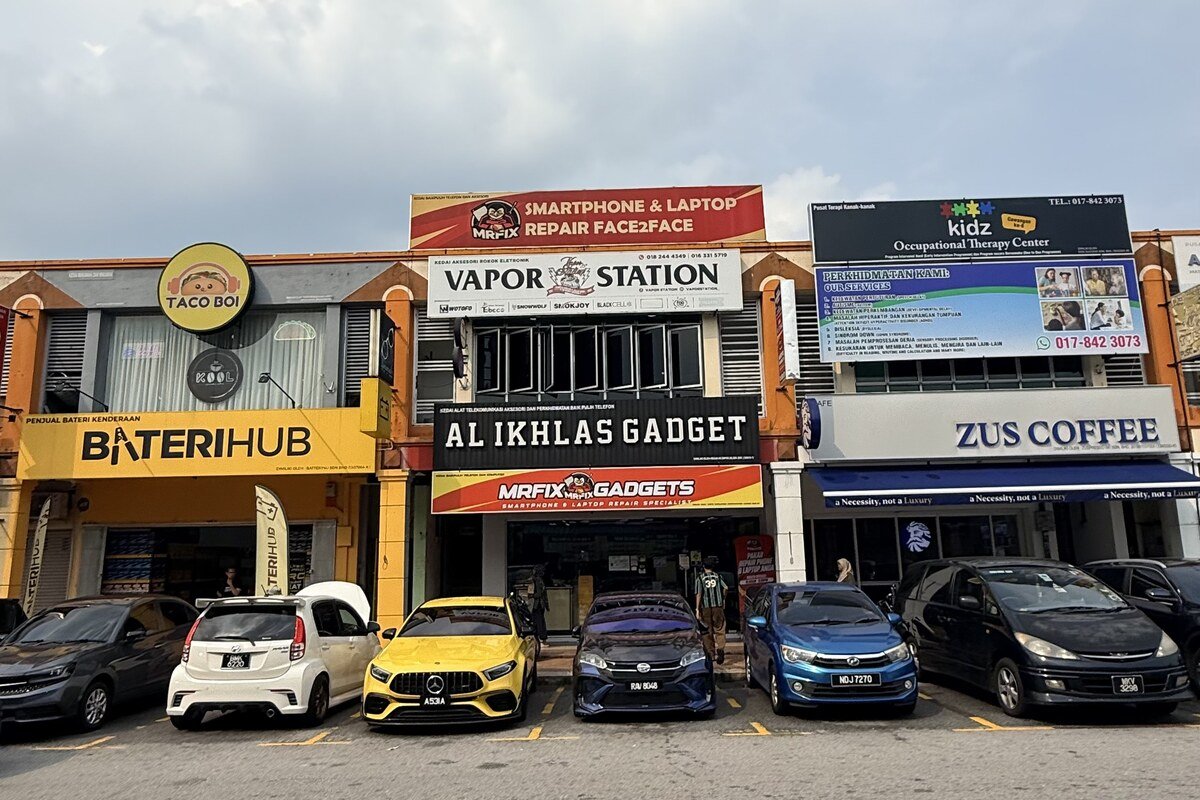
MRFIX Bangi in Seksyen 7 assists customers from Bandar Baru Bangi, Kajang, Putrajaya, Serdang, Nilai and Semenyih. A short comparison record helps the technician focus on the real light-response pattern.